
Segmenting email by location for multi-site venues

Why this matters for your venue
Running a multi-site hospitality or retail business means managing distinct local audiences under a single brand. Blasting your entire database with one generic email - promoting a London venue's special offer to customers who have only ever visited your Manchester site, for example - inevitably drives high unsubscribe rates and low engagement. The cost of sending irrelevant email is not just a lower open rate; it is the permanent loss of a direct channel to that customer. By segmenting your email marketing by location, you ensure every message is relevant to the recipient's local venue, lifting return visits, increasing revenue per send and protecting your subscriber list.
How to implement it
Location-based segmentation divides your database into audiences according to the specific venue each customer has visited. Rather than guessing a customer's local site from their home address, you use verified visit data. That means when you run a promotion, you send it only to the customers who have actually visited the relevant venue. This approach depends on collecting clean, reliable data at the point of visit, rather than relying on manual data entry or broad geographic assumptions. For more product information, see the product overview.
How to achieve this with your guest WiFi
The fundamental difference between using Purple Engage and a generic email tool such as Mailchimp or Klaviyo is how the list is built. Generic tools require you to import lists manually or rely on website sign-ups. Purple builds the list automatically, through opted-in sign-ups, whenever a customer logs in to your venue's Guest WiFi. For more on data capture, see Guest WiFi.
When a customer authenticates on the network, Purple captures their verified email address and tags their profile with the exact venue location, time and date of the visit. This is first-party data collected in line with GDPR. Because Purple integrates directly with enterprise-grade hardware from the likes of Cisco Meraki, HPE Aruba and Ruckus, the location tagging is highly accurate. You do not need to ask customers which site is their local - the network tells you directly.
What to send, and when
With location data tagged automatically to every customer profile, you can deploy highly targeted campaigns.
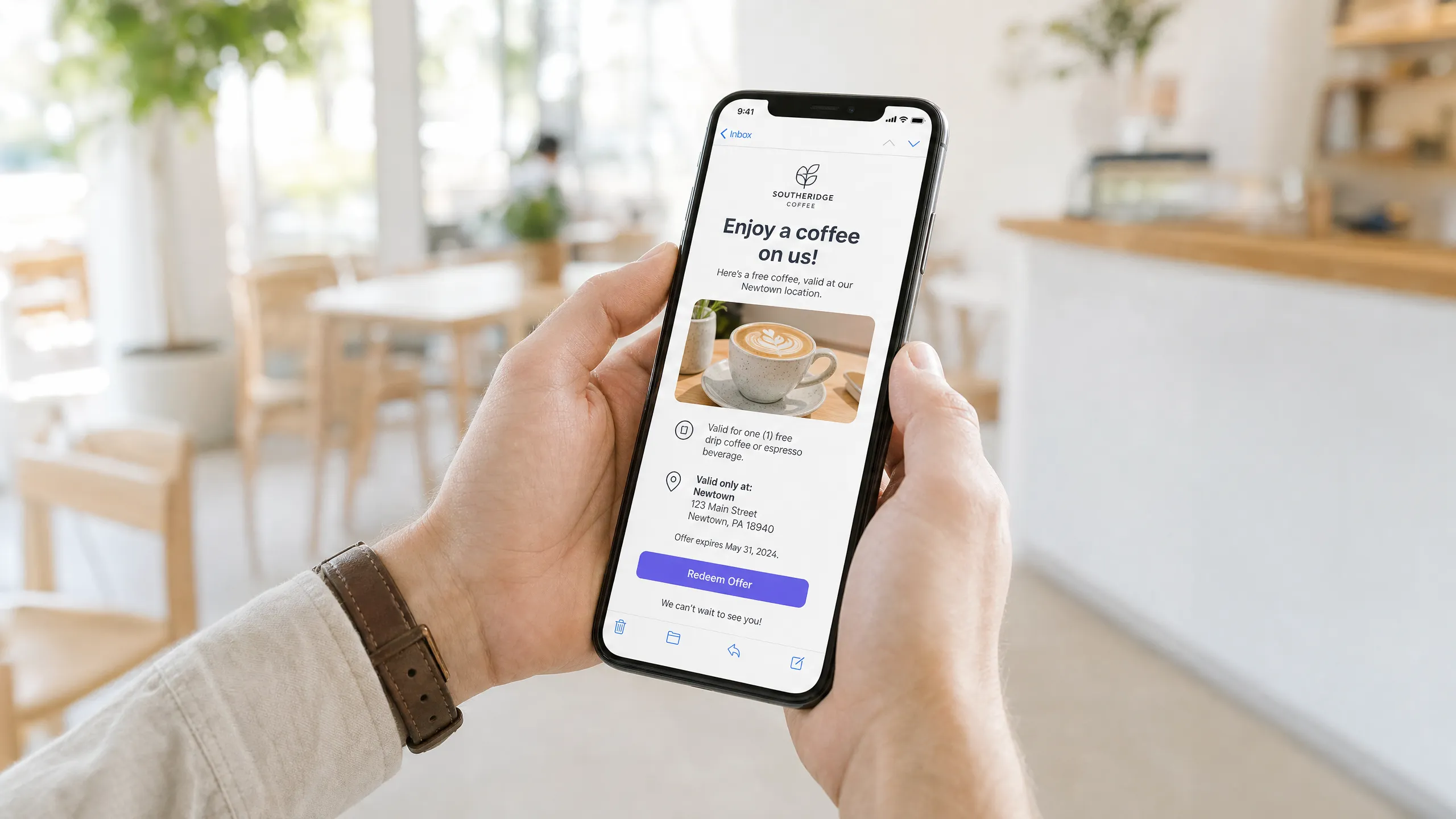
- Local events and menus: Send updates about new menu items or live music only to customers who have visited that specific site.
- Lapsed-visitor win-back: Identify customers who visited a particular venue three times but have not returned within 60 days. Send them a targeted offer to draw them back to that specific site.
- New site openings: When opening a new venue, identify customers who have visited your other sites and live within a defined radius of the new one, and invite them to the launch event.
Measuring success
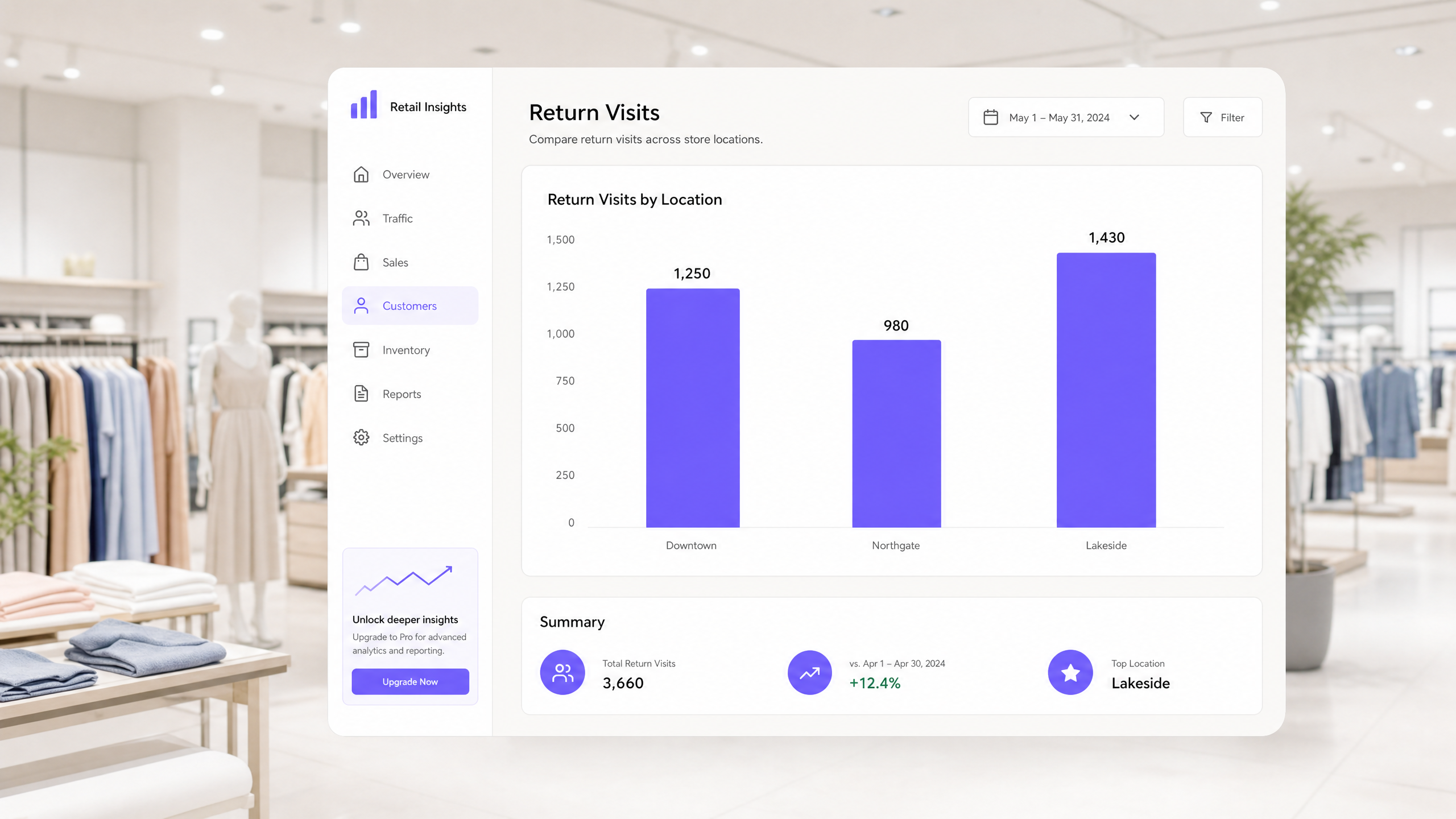
The success of location-based segmentation is measured by actual return visits, not just email open rates. Because Purple tracks both the email send and the subsequent physical visit (when the customer's device reconnects to the Guest WiFi), you can measure the exact revenue a campaign generates. Compare the return-visit rate of segmented campaigns against generic broadcast emails. You will typically see that customers receiving location-specific offers show higher engagement and a clear uplift in lifetime value. For further comparison, read the best email marketing software for restaurants compared.
Where to start
- Audit your current list: Determine how many contacts in your database have a verified location associated with them.
- Enable location tagging: Make sure your Guest WiFi portal is configured to automatically tag new sign-ups with the site location they visited.
- Build your first segment: Create a segment of customers who have visited one specific site within the last 30 days.
- Deploy a test campaign: Send that segment a location-specific offer, and compare its engagement and return-visit rates against your baseline data.
Listen to the summary podcast here: