
Review Request Email Template: 7 Examples for 2026
Seven ready-to-use review request email template examples with send timing, channels, personalization tokens and consent checks for venues in 2026.
A café owner sends a Google link the morning after a busy Saturday and gets three reviews. A hotel sends the same email at checkout and gets none. The copy was fine in both cases. The trigger, timing and audience were wrong, and that's where most requests break down.
Email still gives you a fair chance if you use it after a real experience. In BrightLocal's 2025 Local Consumer Review Survey, 40% of U.S. consumers said email was the method by which they were most likely to leave a review when asked, compared with 27% for in person. That survey covered 1,026 U.S. adults, and 96% were open to writing a review. Willingness isn't action, though. Guests need one clear action, on mobile, at a moment when the visit is still easy to recall.
The seven templates below are judged on the same grid. Each one names the trigger, send window, channel, personalization tokens and compliance boundary that stops it becoming review gating. Pick by trigger first, then adapt the copy.
Table of Contents
- 1. Google Review Request (Direct Link)
- 2. Post-Visit Hospitality Review Request
- 3. Post-Stay Hotel Checkout Review Request
- 4. Post-Purchase Retail Review Request
- 5. Multi-Platform Review Hub Email
- 6. Review Reminder Follow-Up Sequence
- 7. Survey-to-Public-Review Request (Feedback Loop)
- How each review request email template is triggered and timed
- Choose the Trigger Before the Copy
1. Google Review Request (Direct Link)
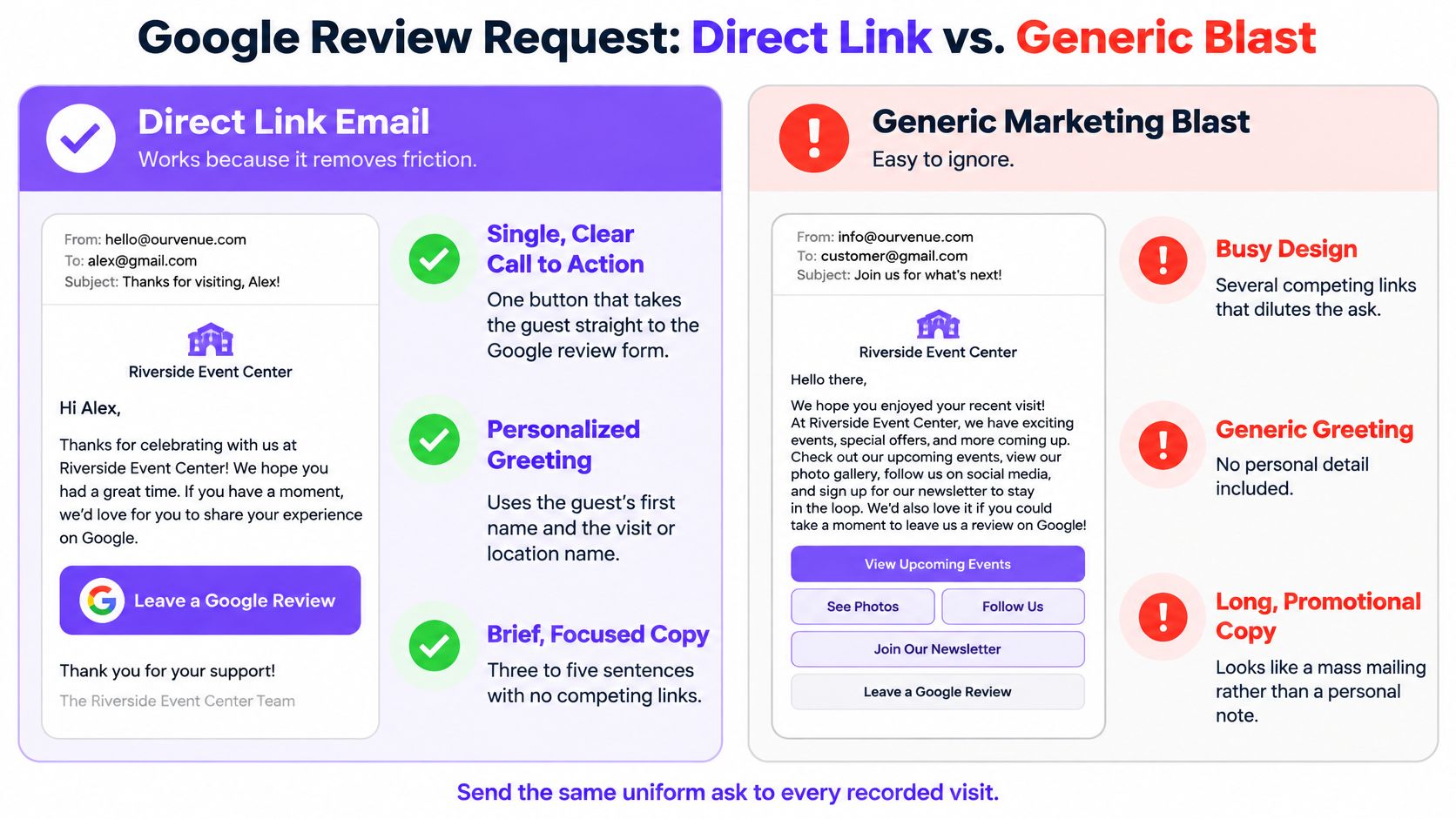
This is the baseline review request email template for most venues. One thank you, one sentence naming the visit, one button straight to the exact Google listing. There's nothing else to decide, and that's why it works.
Trigger is a recorded till receipt, booking or WiFi matched visit. Send window is the same day or next morning, before detail fades. Use tokens for {first_name}, {venue_name} and {visit_date}, and build the link from the listing for that site, not a head office page. A multi-site café group can send the same structure to every guest matched to a receipt, with the site name changed in the subject line. A bar group might open with "Thanks for coming in tonight, {first_name}" and put the button directly underneath.
Keep the sender as a real site manager or named staff member. Test the link on a phone before rollout, because a broken deep link kills an otherwise good email. For the operational checks behind this, see the Google review requests checklist for restaurants.
Where It Breaks Down
It breaks down when managers send it only after good shifts or to guests they liked. Send the same ask for every recorded visit, offer no discount or reward, and don't pre-screen sentiment. Uniform sending is what makes the reviews credible.
2. Post-Visit Hospitality Review Request
Restaurants, bars and cafés need warmth here, but not length. Thank the guest for a specific occasion, name one thing they can comment on, then ask once. "Thanks for joining us for Sunday lunch" beats a generic thanks for your visit because it proves you know which experience you're asking about.
Guests do accept this channel when it's expected. In GatherUp's Beyond the Stars 2025 report, 53% of customers said email was an acceptable review request method, compared with 49% for face-to-face requests and 33% for SMS. That doesn't license a blast. Trigger it from a till receipt linked to a consented guest record, and send it two to six hours after the visit. Avoid late night sends for dinner guests, even if the automation is ready.
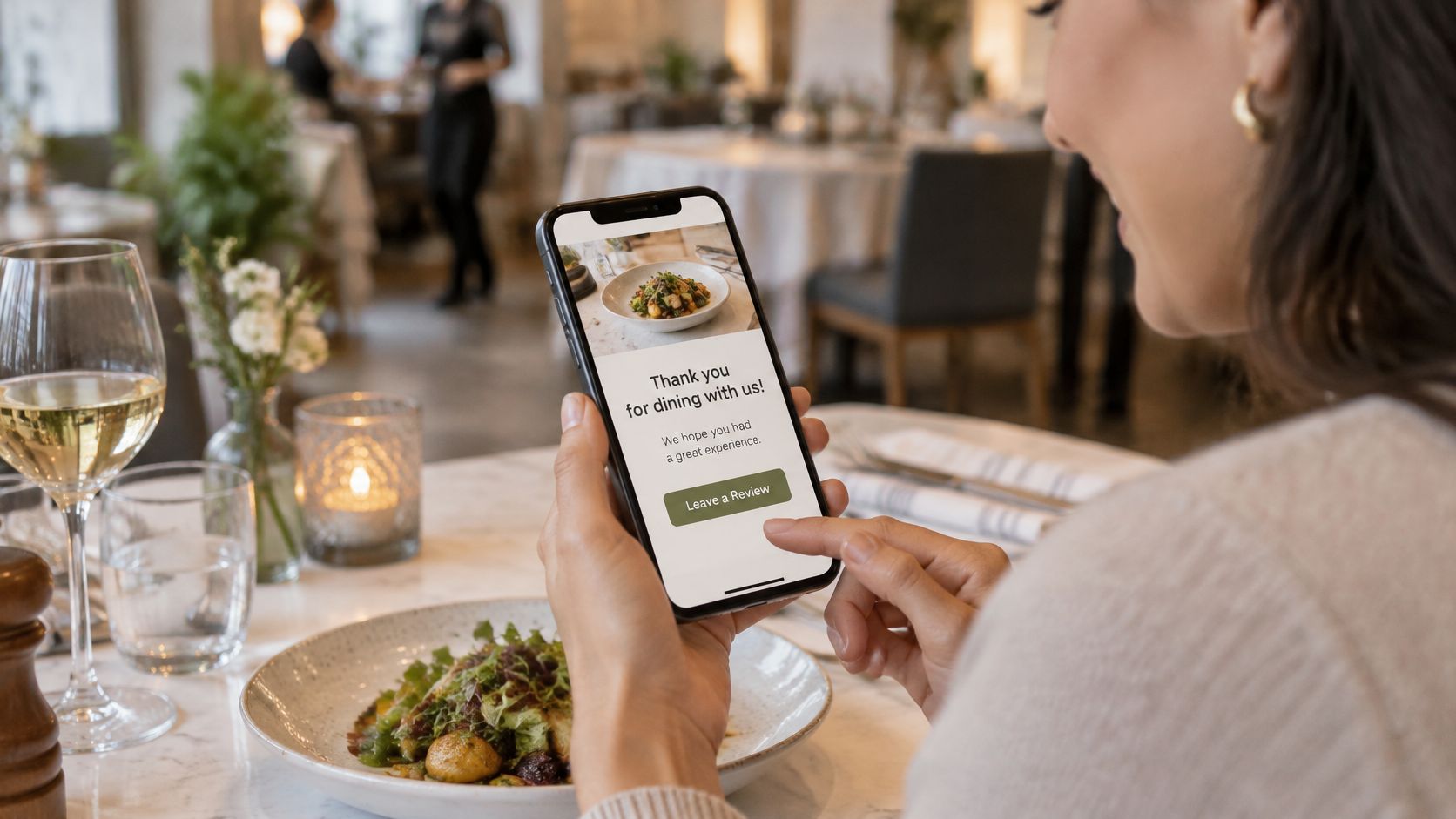
Use one primary button, even if you also list a second platform discreetly below. Conditional blocks help you change a line for first time versus returning guests without building two emails. Check consent at approval and again at send time, so opt-outs are respected.
Send while the meal is still salient, but not while the guest is still at the table. That gap is the whole timing decision for hospitality.
This template fails when it becomes a newsletter. Drop menus, offers and event promos. One visit, one ask.
3. Post-Stay Hotel Checkout Review Request
Hotels ask too early. A request on the morning of departure lands while the guest is packing, travelling or dealing with a folio query. Wait one to three days after checkout, when they're home and the stay has settled into a considered opinion.
Trigger is a completed checkout in the property system. Tokens should do real work here: {first_name}, {property_name}, {check_out_date} and {room_type}. A simple subject like "How was your stay at {property_name}?" is enough. Lead with the single most important platform for your market, usually Google or TripAdvisor, and place any second platform below it. Don't make a tired guest compare logos.
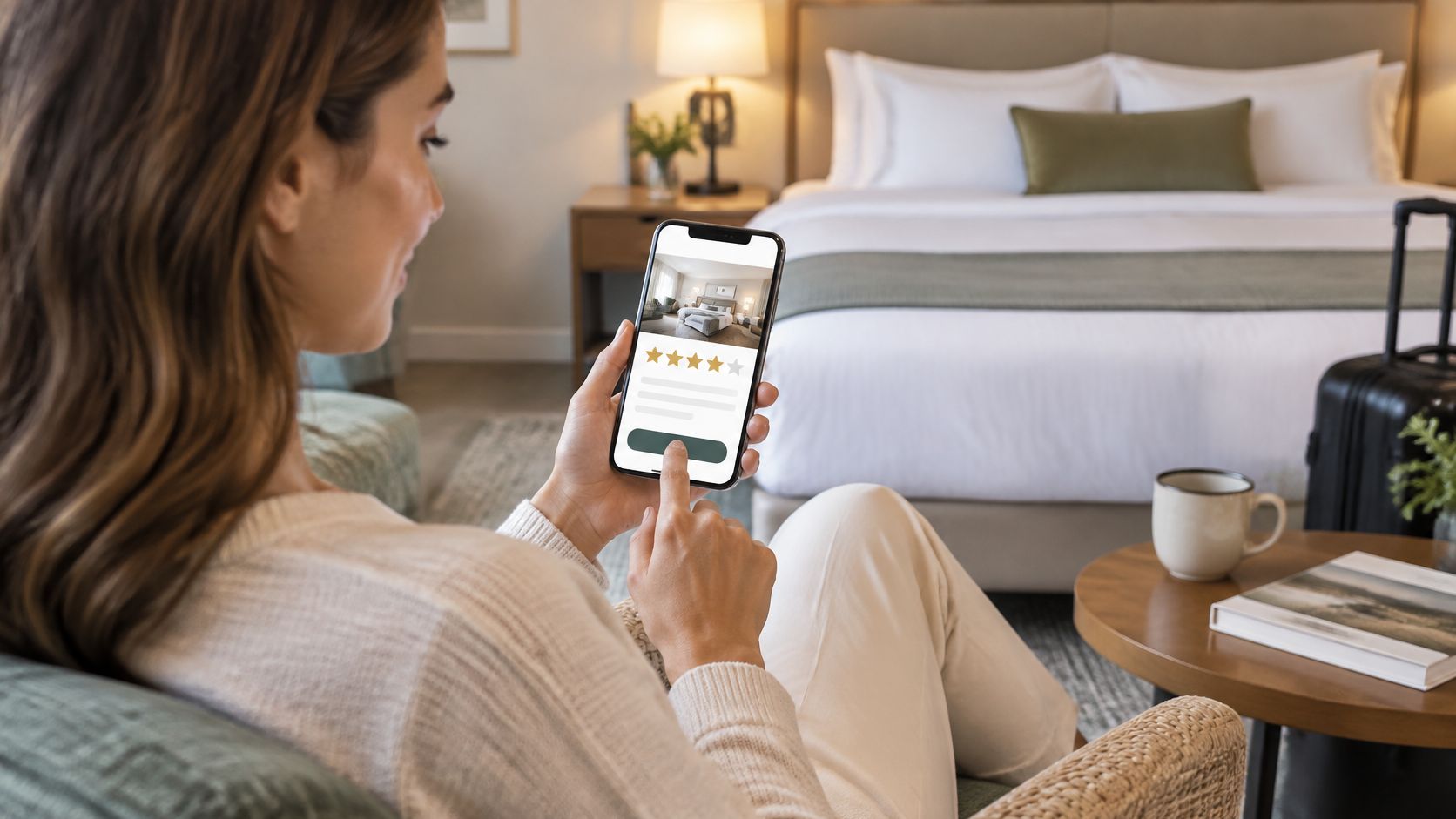
A hotel group might send two days after departure with Google first, TripAdvisor second, and a direct booking link kept separate at the foot. An apartment-hotel brand could use its recorded stay data in the same way, as long as every recorded stay is eligible.
The Compliance Line for Hotels
Don't suppress guests who complained at the desk. Don't route only happy guests to a public platform. Confirm the platforms you link to permit this invitation type, send to all recorded stays, and handle service recovery in a separate operational process. If you filter by mood at checkout, you're no longer collecting a representative sample.
4. Post-Purchase Retail Review Request
Retail timing depends on use, not purchase. A candle can be judged quickly. A jacket can't. Set the delay by product category, and don't ask for a product review and a store experience review in the same breath.
Treat this as a triggered post-experience message, not a campaign. Independent benchmark data for product review requests reports approximately 40 to 55% open rates and 8 to 15% click-through rates, with roughly 5 to 12% of recipients who click completing a review. Those ranges tell you where effort pays. The path from click to completion matters more than another subject line brainstorm.
Trigger is an order or till transaction matched to a consented guest. Tokens are {first_name}, {product_name} and {purchase_date}, with the actual item shown. A shopping centre retailer might match WiFi sign-ins to receipts and send one week after purchase. A homewares chain should keep product and store asks in separate messages on separate days.
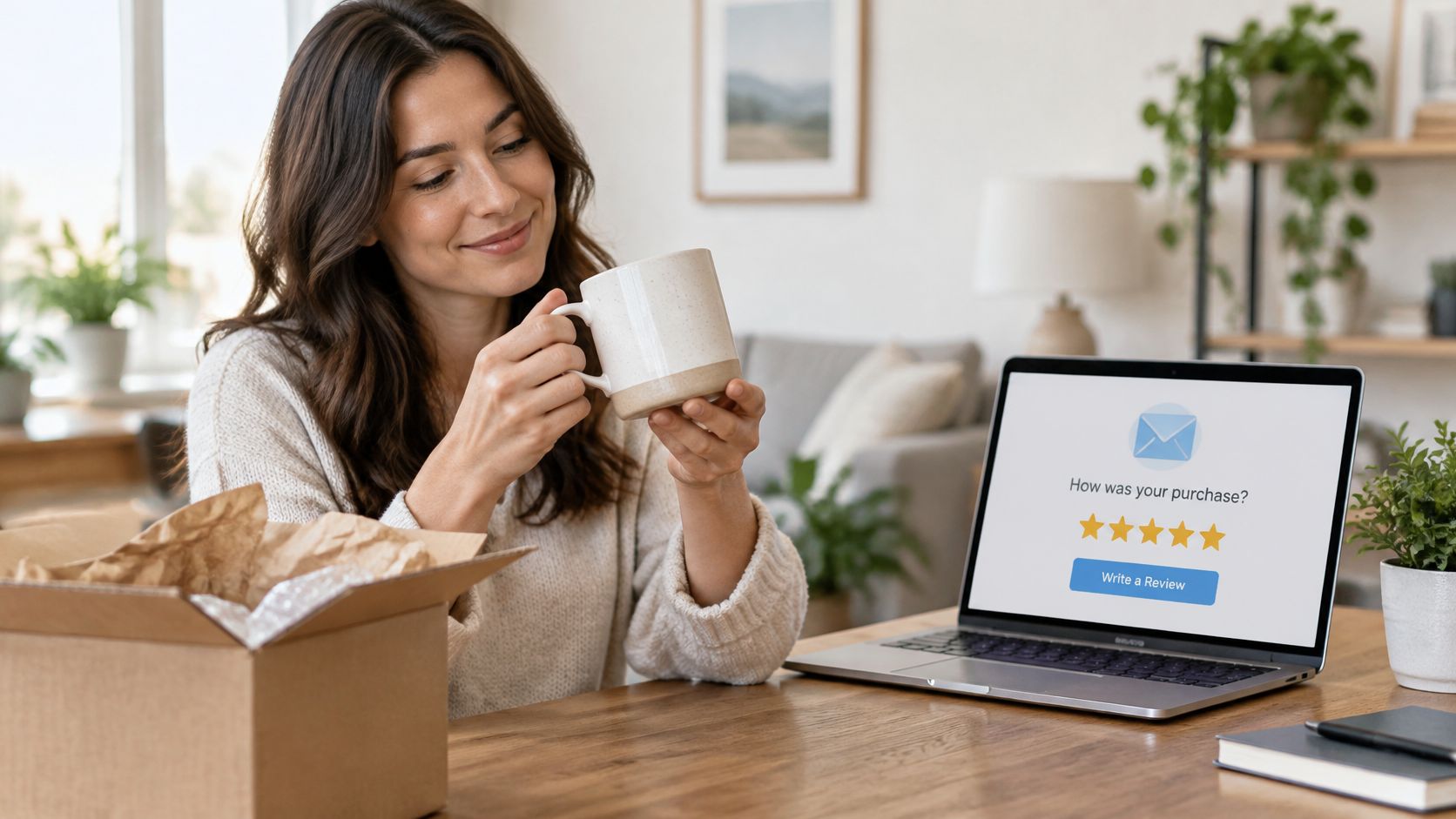
Show only items that can realistically be reviewed. Deep-link to that product, ask for a rating first, and make written detail optional. Establish your own venue baseline, then test delay and landing page friction. Long multi-page forms are where this template loses people without anyone noticing.
5. Multi-Platform Review Hub Email
Some brands genuinely need volume in more than one place. This template presents Google, TripAdvisor, Yelp or Facebook side by side, with neutral labels and identical wording. It's useful across countries, and it's also the easiest template to clutter.
Keep it to three or four platforms. Order them by what the guest is most likely to use, based on location or booking source. A European hotel group might list Google, TripAdvisor and a local platform, with the order set by country. A restaurant group might put Google first in the UK and test a different lead elsewhere. If you're deciding that order, this comparison of TripAdvisor and Google reviews for hotels sets out the trade-off.
- Trigger: A completed visit, stay or purchase recorded against a consented guest.
- Send window: Matched to the experience, not a fixed weekly blast.
- Tokens: {first_name}, {venue_name} and {visit_date} only, don't personalize the platform choice by predicted sentiment.
Practical rule: Identical copy for every platform button. If one button says "Tell others about your great stay" and another just says "Review", you've steered the result.
Test button order with holdouts and measure completed reviews per platform, not clicks. The template fails when choice becomes homework. If a guest has to think hard about where to click, you've added friction in the name of coverage.
6. Review Reminder Follow-Up Sequence
One reminder is reasonable. Two usually isn't. Guests miss emails because they're busy, not because they need persuading, so keep the follow-up to three short lines and the same single link.
There's evidence a second ask adds reviews, but it needs restraint. PowerReviews guidance on when to ask for reviews reports that 77% of people who write a review do so within a week of receiving or using a product, and that a second request can generate more, with 28% leaving one after being asked again. Use that as a reason to test one reminder inside a sensible window, not as permission to chase.
Trigger is no completed review after the first email. Send after a few days, change the subject line so it doesn't look like a duplicate, and check consent again before sending. A café group might remind once three days later, then stop. A hotel brand should decide in advance whether to suppress people who clicked but didn't submit, and apply that rule to everyone.
Cap this at one reminder for most audiences. Keep a holdout group that receives no reminder, as set out in this guide to automated review request emails for venues. If the reminder doesn't add incremental completions against that holdout, stop sending it. Opens won't tell you that.
7. Survey-to-Public-Review Request (Feedback Loop)
This is the template most likely to become gating, so build the rule before the copy. A guest completes a private survey. Later, in a separate email, you invite them to post a public review if they wish. Every guest who was asked for feedback gets the same public invitation.
That separation matters for compliance. The FTC guide on soliciting and paying for online reviews says businesses should not ask only customers believed likely to leave positive reviews, should not request reviews from people who haven't experienced the product or service, and should not condition incentives on positive sentiment. Compensation tied to a particular sentiment is also prohibited.
A hotel might send a post-stay survey, then follow up a day later with a public ask to everyone who completed it. A retail chain might do the same after an in-store kiosk survey. In both cases, survey answers can route service issues internally, but they must not decide who receives the public link.
Use neutral wording such as "Tell us about your experience". Avoid star-rating prompts in the email, document who was eligible and when you sent it, and keep at least a day between survey and public ask. This short walkthrough shows the feedback loop in practice.
It'll produce some critical public reviews. That's not a failure. A broad, unbiased sample is more defensible and more useful for fixing operations than a higher average built by filtering.
How each review request email template is triggered and timed
| Template | Trigger | Send window | Channel and personalization tokens | Compliance boundary |
|---|---|---|---|---|
| Google Review Request (Direct Link) | Recorded till or booking event | Same day or next morning | Email: first name, venue, visit date, direct Google link | Every consented recorded visit is asked; no rating screen |
| Post-Visit Hospitality Review Request | POS receipt linked to a guest record | 2 to 6 hours after close | Email: venue, location, visit date | All eligible visits get the same ask; suppress duplicates |
| Post-Stay Hotel Checkout Review Request | Checkout or folio-closed event | 1 to 3 days after departure | Email: property, stay dates, room type | Complaints route to service, never away from the public link |
| Post-Purchase Retail Review Request | Completed purchase | 7 to 14 days, after use | Email: product, store, order ID | No incentive tied to positive sentiment |
| Multi-Platform Review Hub Email | Completed visit, stay or purchase recorded against a consented guest | Match the experience: same or next day for venues, 1 to 3 days for stays, 7 to 14 days for retail | Email hub: market, location, platform links | Same ask to every guest; the guest chooses the platform |
| Review Reminder Follow-Up Sequence | No response to the first request | 3 to 7 days after the first send | Same thread, original token, opt-out | Cap at one reminder; stop on reply or submission |
| Survey-to-Public-Review Request (Feedback Loop) | Completed survey or form submission | At least 1 day after the survey | Email: survey date, neutral ask | Survey answers never decide who gets the public request |
Choose the Trigger Before the Copy
Start with the event that reliably marks a finished experience in your systems. That might be a till receipt, a checkout, a delivered purchase or a completed survey. If you can't prove the experience happened, you shouldn't send the request. Match one template to that event, set a send window that fits how long the experience takes to judge, and write the eligibility rule down before anyone drafts subject lines.
Then apply the same rule to everyone. Send the same ask to every recorded guest, suppress duplicates and people who've already submitted, and cap reminders at one. Don't add incentives, don't preview the rating you want, and don't divert unhappy guests away from public feedback while sending happy guests to Google. A compliant request and a high-converting request aren't the same thing, and the first one sets the limits for the second.
Measure what matters. Keep a holdout group so you can see whether completed reviews rise, and track return visits alongside reviews so you're judging outcomes, not opens. We count each email as one credit, so a tight, uniform rule also keeps costs predictable, because you're not paying to chase the same guest repeatedly or to email people who were never eligible. Our approach in Purple Engage is to ask every guest for a review after a recorded visit, with no score gating and nothing offered in return, and to check consent before sending.
Most operators don't need all seven templates on day one. Pick the one that matches your most reliable trigger, run it uniformly, and fix the landing page friction before you rewrite the copy. Add the reminder only if a holdout proves it earns its send. Add a multi-platform hub only if one destination isn't enough. That sequence gives you reviews you can defend, in a volume you can explain, without training guests to expect a reward for honesty.
If you're running review requests across cafés, hotels or shops, Purple Engage can trigger the same unbiased email after a recorded visit, stay or purchase, with consent checked before sending and holdouts to measure completed reviews and return visits. You can build the template once, apply it by venue, and keep every send tied to a real guest record. Visit Purple Engage to see how it would fit your locations.