
Analytics and ROI
Email marketing ROI for venues: measuring the visits it brings
Email marketing ROI is what your emails earn beyond what they cost. For a venue, the hard part is knowing what an email caused: guests who came back after it might have come anyway, so the honest way to measure it is to hold some guests back and compare.
What does email marketing ROI mean for a venue?
Return on investment is the extra profit an email brought in, minus what it cost, divided by what it cost. Two words carry the weight. Extra means revenue that would not have happened without the email, not every sale made by someone who received it. Profit means revenue after the cost of what you sold, because a pint or a plate is not all margin.
For a venue, most of that revenue arrives offline: a visit, a booking, a bar tab. So the measurement has to join the email to what happened in the venue, which is the point where most email tools stop and venue data has to take over.
Why are opens and clicks not enough?
Because they are not money, and many of them are not people. Apple Mail Privacy Protection fetches every image in an email, which registers as an open whether or not anyone read it, and security scanners click links before a person does. An open rate can rise while nobody new comes through the door.
Online revenue does not fill the gap for a venue either. Mailchimp's help pages, for example, say that its ROI calculation requires an e-commerce store connected to a Mailchimp account (read on 30 September 2026). That works for a shop; it does not see a guest who reads your email on Tuesday and walks in on Friday.
Use opens and clicks to judge an email's subject line and layout, and use visits and spend to judge whether it worked.
How does a held-back group prove what an email caused?
Before you send, set aside a random share of the audience who will not get the email: a held-back group, sometimes called a holdout or control group. The two groups are alike in every way except the email, so any difference in what they do next is what the email caused.
An illustration, not a result: a win-back email goes to 9,500 lapsed guests and 500 are held back. Over the next 14 days, 9% of the guests who were sent it come back, against 6% of the held-back group. The email caused 3 percentage points of that, about 285 extra visits, rather than the 855 a simple count of returners would claim.
Two conditions make it reliable. The held-back group has to be chosen at random, never your least engaged guests, and it has to be big enough: a few dozen guests give a result that swings with chance, which is why the range around a result matters as much as the result.
- Sent: most of the audience gets the email
- Held back: a random share gets nothing
- Lift: the difference in return rate between the two groups
- Extra visits: the lift multiplied by the number of guests sent
How do you connect an email to a visit and a sale?
Through the guest record. A WiFi login after the send is a return visit, a till transaction matched on the guest's email is spend, and a booking from your reservation system is a booking. Count each within a fixed window after the send, the same window for the sent and the held-back groups.
Expect the figures to be a lower bound. Guests who visit without logging in to the WiFi, or pay without giving an email, are invisible to the match, so a visit count from WiFi under-counts real visits. That is fine for comparing two groups, because both are under-counted the same way.
- Visits: WiFi logins after the send
- Spend: till transactions matched on email address
- Bookings and stays: from your reservation or hotel system
Capturing the guest data the match depends on: the WiFi email capture guide
Which value measures matter?
Four are worth tracking. Revenue per send tells you what each email earns once the held-back group is taken into account. Cost per extra visit tells you what you paid for each guest the email brought in. Customer lifetime value, or CLV, tells you what a guest is worth over time, which is how you decide what a win-back may cost. Return rate tells you whether new guests become regulars.
Keep revenue and profit apart. Takings at the till are gross: refunds and the cost of what you sold are not taken off, so apply your own margin before you call anything a return.
- Revenue per send: extra revenue divided by emails sent
- Cost per extra visit: campaign cost divided by extra visits
- Lifetime value: expected visits times typical spend per visit
- Return rate: the share of new guests who visit again
What goes on the cost side?
More than the platform fee. Count what you pay to send, the discounts guests redeemed, any texts, and the staff time it took to plan and build the campaign. An offer that brings in 50 extra visits at the cost of 50 free desserts is not free because the email was.
The cost of an offer is its redemptions, not the codes issued, so track redemptions against a budget and end the offer when the budget is spent.
- Sending: the platform plan and any per-message charges
- Offers: the value of what was redeemed, not what was issued
- Time: planning, building and approving the campaign
Why does owning your list change the ROI case?
Because you build the audience once. Paid social and search charge each time you reach someone; a list of guests who opted in costs you the capture and then a small amount per send. Every visit a win-back brings in is a visit you did not have to buy again.
That only holds while the list is yours and stays healthy: built from guests who agreed to hear from you, kept clean, and judged on the visits it brings rather than the opens it gets. The revenue calculator puts your own numbers against it.
Work out what winning back lapsed guests is worth: the revenue calculator
How Purple Engage does it
Measurement in Purple Engage
Purple Engage compares guests sent a campaign with guests held back on purpose, and shows the extra share who came back, booked or bought, with a 95% range.
A held-back group by default
Every new campaign and automation holds back 5% of its audience by default, at least 50 and at most 500 guests. An administrator can set the default anywhere from 0 to 50%.Visits and revenue, each in its own window
Return visits and reservations are read over 14 days, transactions and revenue over 30, for the guests sent and the guests held back.A range, not just a number
Each result carries a 95% range. With fewer than 50 guests held back, the card says "not measured yet" rather than showing a figure that flatters.Takings from your tills
Gross sales from Square, Lightspeed X-Series, Epos Now, Loyverse and Oracle Simphony, shown for each group in each currency.People before machines
Human opens first, machine opens beside them, and "not measured" rather than 0% where opens cannot be measured.Offers against a budget
Issued, redeemed and cost against budget for every offer, with return visits estimated once each group has 50 guests.
Guides
Guides on email marketing ROI
The first guides on email marketing ROI are being written. Until they are published, these guides from the library cover related ground.
Related guides from the library
 Analytics
Attributing return visits to your email campaigns
This guide explains how physical venues can attribute return visits directly to their email marketing campaigns - the metric that generic tools like Mailchimp and…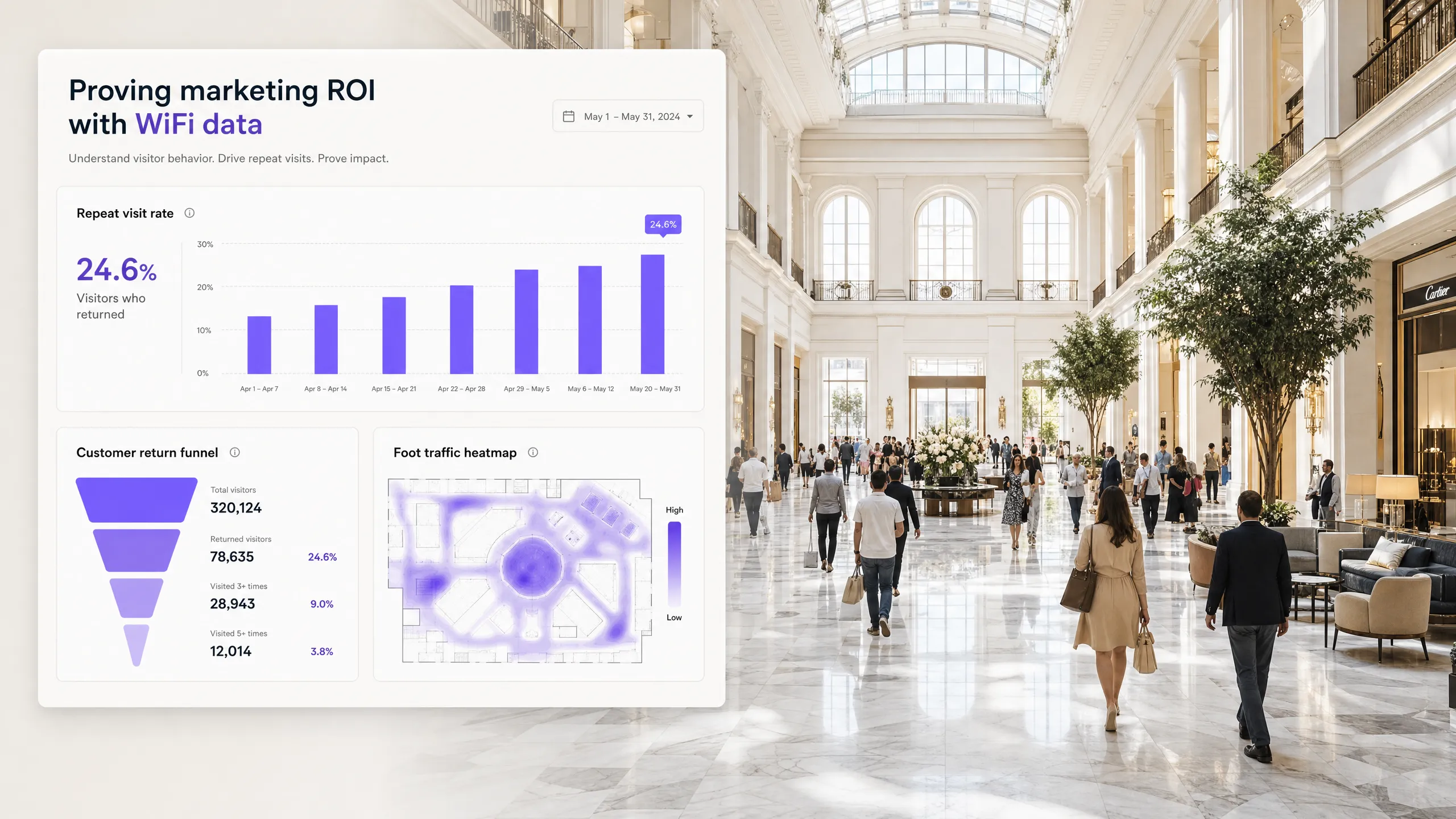 Analytics
Proving marketing ROI to venue owners with WiFi data
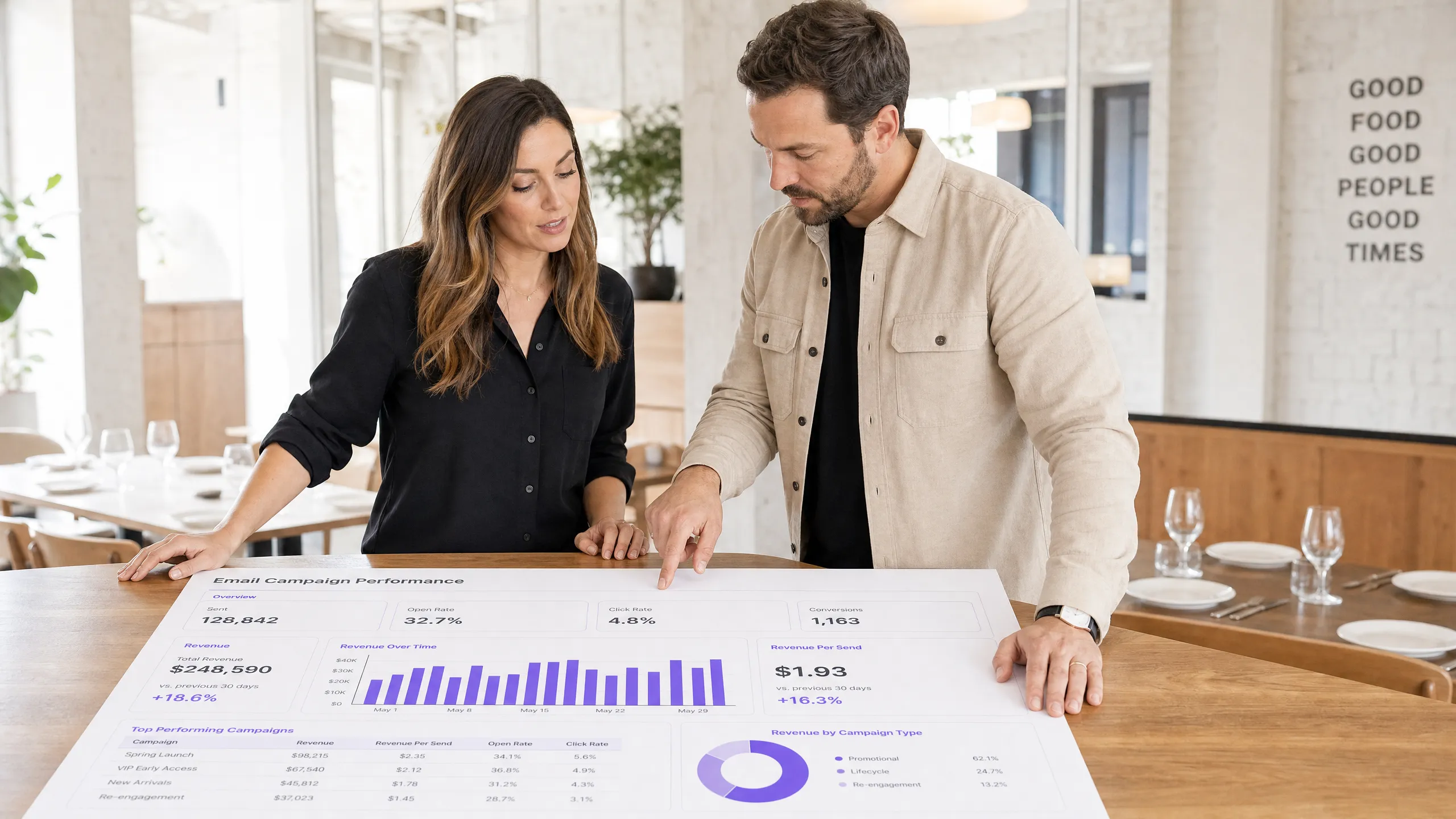 Analytics
Revenue per send: the email metric venues should track
 Analytics
Customer lifetime value for restaurants and hotels
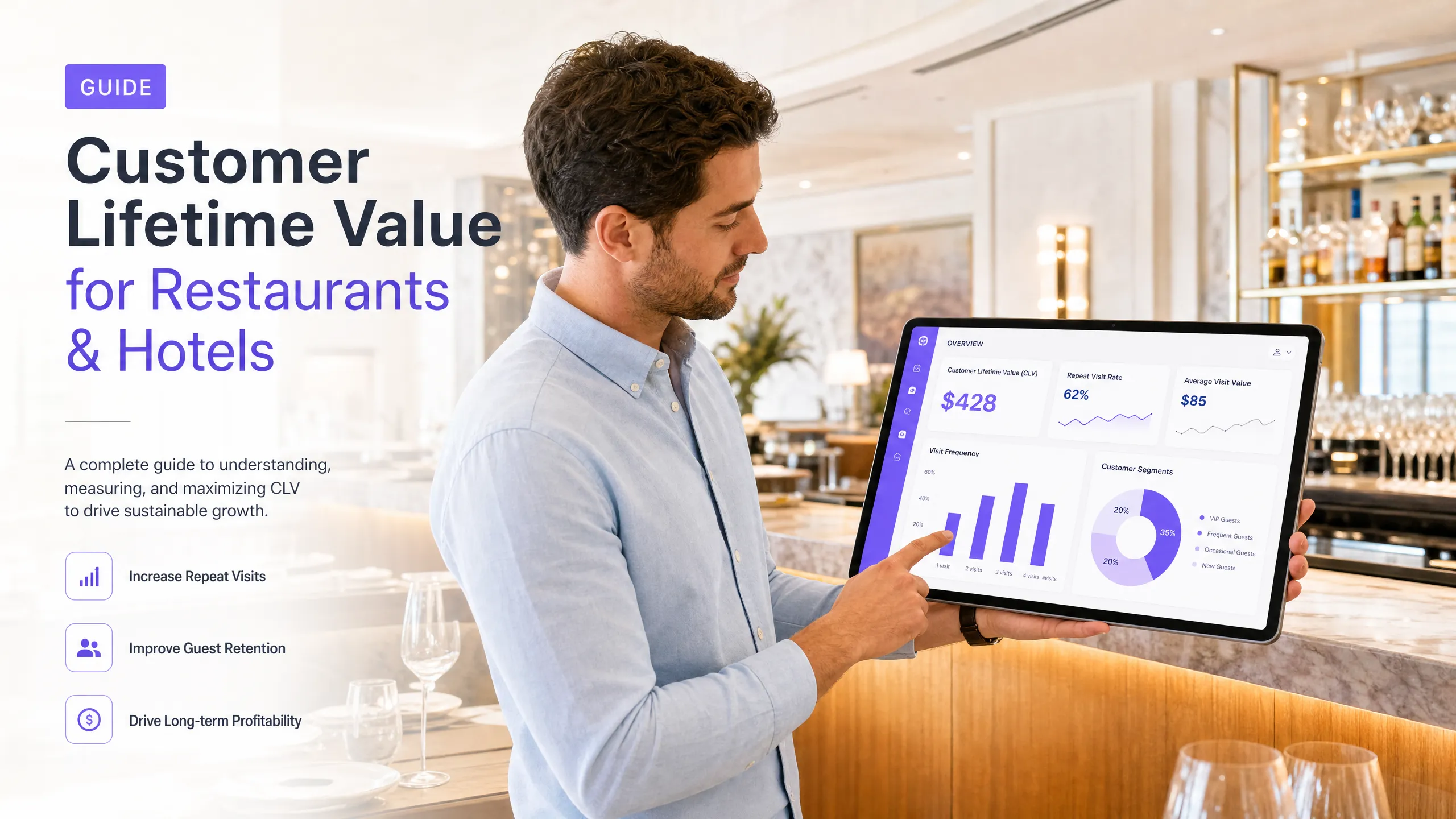
A practical guide for hospitality marketers on calculating and increasing customer lifetime value (CLV) using verified visit data. Analytics
Measuring email ROI for physical venues: beyond open rates
Most venue marketers track opens and clicks, but these metrics fail to show whether an email campaign actually drove footfall.
Questions
Questions about email marketing ROI
What is a good email marketing ROI for a venue?
One you can show the email caused. Published ROI figures often count every sale made by anyone who received an email, which flatters every campaign. Measure your own extra visits and revenue against a held-back group, and compare your campaigns with each other rather than with an industry average.
How big does my list need to be to measure ROI?
Big enough to hold back a meaningful group. In Purple Engage a campaign result needs at least 50 guests held back, which is 5% of a list of 1,000. Below that it says "not measured yet" rather than giving a figure that could be chance.
Does holding guests back cost me revenue?
A little, and it tells you the truth. The held-back guests still visit at their usual rate; they miss one message. Holding back 5% means 95% of the audience still gets every campaign, and you learn which campaigns are worth sending again.
Can I measure ROI without till data?
Partly. Return visits from WiFi logins and bookings show whether an email brought guests back. Revenue needs a connected till, or an estimate: the extra visits multiplied by your typical spend per visit.
Are refunds taken off the revenue figures?
Not in Purple Engage. Campaign results show gross sales in each currency for the guests sent and the guests held back. Refunds can arrive after the window closes, so they are not subtracted, and a voided order is never counted.
Guide topics
The other four guide topics
List building and data capture
WiFi email capture
How to turn guest WiFi logins into a consented email list, and what to ask guests for.Campaigns and automation
Venue email campaigns
Which automations and one-off campaigns bring guests back, and when to send each one.Segmentation and targeting
Customer segmentation
How to group guests by what they do, so each group gets the message that brings it back.Deliverability and compliance
Email compliance
Consent under PECR and UK GDPR, CAN-SPAM for US guests, and keeping your email out of the spam folder.
By type of venue
- Multi-site groupsOffers, caps and reporting for each venue across a group.
- RestaurantsWin back regulars, fill quiet weekdays and survey diners after each visit.
How Purple Engage compares
Measure your next campaign against a held-back group
The free plan is listed at 500 credits a month, with unlimited* contacts and no card needed.