
List building and data capture
WiFi email capture: the guide for venues
WiFi email capture means collecting a guest's email address, with their permission to market to them, when they log in to your guest WiFi. It is the one moment in a visit when most guests will hand over a real address, because they get something back straight away.
What is WiFi email capture?
When a guest joins your WiFi, a login page (often called a captive portal) appears before they get online. WiFi email capture uses that page to ask for an email address and, separately, for permission to send marketing. The guest gets online either way; the guests who agree join your marketing list.
It works because the exchange is fair and immediate. The guest wants to get online, they are standing in your venue, and they are giving the address to a business they chose to visit. That is a different starting point from a form on your website, which only reaches people who were already looking for you.
The opportunity is large. Across Purple's guest WiFi platform there were 440 million WiFi logins in 2024 at more than 80,000 venues, and contacts captured at a WiFi login opt in at rates around 50% higher than contacts from other channels. Those are figures for Purple's guest WiFi platform, not Purple Engage results.
Why capture emails at the WiFi login?
Because it reaches the guests your other channels miss. A booking system records the person who booked, not the three friends at the table. A card payment tells your till what was spent, not who spent it. A website form only sees people who went online to find you. The WiFi login sees whoever walks in and wants to get online, including walk-ins who never booked.
General email tools assume you arrive with a list. Mailchimp's advice to venues on building one is centred on website forms, plus loyalty and social, with a WiFi login as one touchpoint among several. For a venue whose guests arrive in person, the login is where the list can grow every day without a campaign behind it.
- Walk-ins who never booked and never visited your website
- Every guest at the table who logs in, not only the person who made the booking
- Returning guests, whose next login adds a visit to the record they already have rather than a duplicate contact
What should the login page ask for?
As little as you will use. Every extra field is another reason to give up and use mobile data instead, and a field you never use is data you have to protect for nothing. An email address is the field everything else hangs on; a first name lets an email greet the guest; a birthday is worth asking for only if you will send a birthday message.
Keep the marketing question apart from the fields. A guest should be able to complete the fields, leave the marketing box empty and still get online. That keeps consent freely given, and it tells you which guests chose to hear from you.
- Email address: the key every visit, purchase and booking is matched on
- First name, if your emails will greet guests by name
- Birthday (day and month only), if you will send a birthday message
- A separate, unticked box for marketing, with its own wording
How should you word the marketing opt-in?
Plainly, and on its own. Accepting the WiFi terms is not agreement to marketing, so the opt-in needs its own box that the guest ticks themselves. Say who will email them, what they will get and that they can unsubscribe at any time, for example: "Yes, send me news, events and offers from [your venue] by email. I can unsubscribe at any time."
In the UK, PECR (the Privacy and Electronic Communications Regulations) means you generally need this consent before sending marketing emails to individuals. Its narrow exception, the soft opt-in, covers existing customers who bought something similar from you. It does not cover everyone who joined your WiFi, because a login is not a sale.
Keep a record of the wording each guest saw. If the wording changes next year, the guests who agreed under the old version agreed to the old version, and one day you may need to show exactly what that was.
- Its own box, never pre-ticked and never bundled with the WiFi terms
- What the guest will receive, in a sentence they can read in a few seconds
- Who is sending: your venue or your brand, not the WiFi provider
- How to leave: unsubscribe at any time, with a link in every email
How the soft opt-in and consent rules work: the email compliance guide
WiFi login, QR code or form: which capture method works best?
Each reaches a different guest, so the honest answer is to use them together and make sure they all feed one record. The WiFi login catches guests who want to get online. A QR code on a table or a poster opens a sign-up form for guests who are happy on mobile data, but only if they choose to scan it. A form on your website catches people who are planning a visit. Tills and booking systems add what guests spend and reserve.
What matters more than the method is that a guest who arrives by two routes ends up as one person. Match on email address, keep the consent from each route against the channel it covers, and a guest who booked online and then logged in to the WiFi becomes one record with a booking and a visit.
- WiFi login: guests in the venue who want to get online, with a visit recorded each time
- QR code to a sign-up form: guests who choose to scan, including those who never join the WiFi
- Website form: people planning a visit, before they arrive
- Tills and bookings: spend and reservations, matched to the guest on email address
How do you grow the list without giving away discounts?
Let the WiFi be the incentive. A discount for signing up teaches guests that your emails are worth the price of a voucher, and it fills the list with people who wanted the voucher. Free WiFi that asks for an email is a fair exchange on its own.
Then remove what stops guests joining. Most of it is practical: guests who do not know the WiFi exists, a login page that is slow on a phone, or a form that asks for more than it needs. Check each venue's login page on your own phone, on mobile data, as a first-time guest would see it.
- Make the WiFi easy to find: the network name on menus, table cards and the bar
- Keep the login short: one screen, a few fields, no app to download
- Send a welcome email the guest is glad to get: what is on, opening times, a link to book
- Test the login page on a phone, on mobile data, at every venue
What should you measure?
Start with the opt-in rate at each venue: guests who agreed to marketing, divided by guests who logged in. Compare your venues with each other rather than with a published benchmark, because your own sites share a brand, a login page and a kind of guest. A venue well below the rest usually has a practical problem worth finding.
Then look past the size of the list. Count growth net of unsubscribes, watch the share of new addresses that bounce, and follow how many new contacts come back for a second visit. A list that grows while nobody returns is not doing its job.
- Opt-in rate per venue: marketing opt-ins divided by WiFi logins
- Net list growth: new opt-ins minus unsubscribes, each month
- Bounce rate on new addresses, a sign of typing errors or made-up emails
- Second visits: the share of new contacts who come back
Measuring the visits a list brings back: the email marketing ROI guide
How Purple Engage does it
WiFi email capture in Purple Engage
Purple Engage turns WiFi sign-ins into guest records with the consent attached, and works with Purple WiFi or without it.
Sign-ins from four WiFi systems
Purple WiFi sign-ins arrive with contact details and the email opt-in. Sign-ins from Cisco Spaces, Cisco Meraki and Juniper Mist work too, though Meraki and Mist send no consent by default.One record per guest
Matched on email address, ignoring upper and lower case. A till or booking record without an email waits unlinked and joins the guest when they give one, for example at the WiFi login.Consent kept channel by channel
Accepting a WiFi login's terms is never marketing consent: only an explicit tick counts. A yes to email is never read as a yes to texts, and every decision has a receipt naming the wording shown.Forms for everyone else
Sign-up forms are always double opt-in, the box is never pre-ticked, and each published version keeps the exact wording the guest saw.A welcome on the first login
An automation can start when a guest joins the WiFi at any venue or a chosen one, so the welcome email goes while the visit is fresh.Bring the list you have
Import contacts by CSV with a preview first. You confirm you hold consent and name the channels it covers, and no import can undo a guest's own opt-out.
Guides
Guides on WiFi email capture
The first guides on WiFi email capture are being written. Until they are published, these guides from the library cover related ground.
Related guides from the library
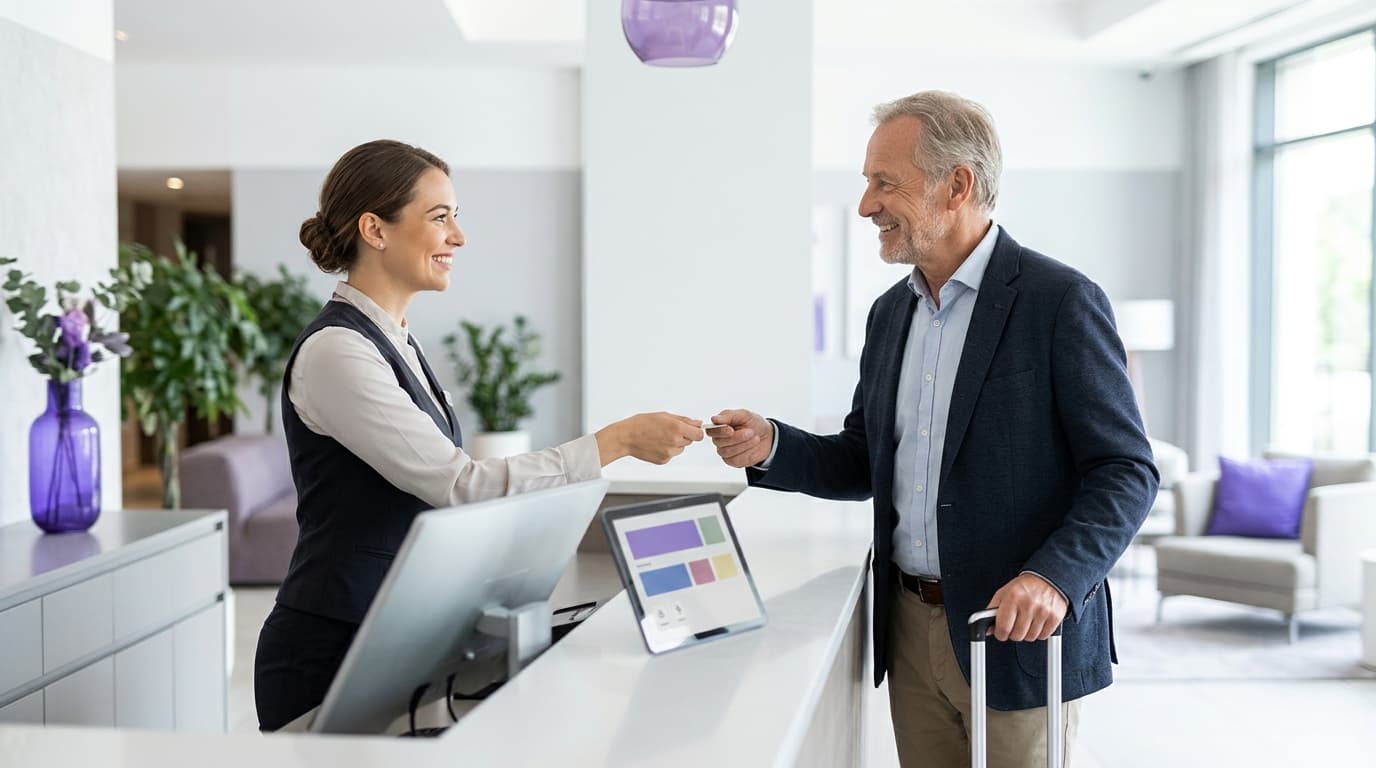 First-party data
Customer data platform cost for hospitality groups: build, buy or use your WiFi data
You will be able to choose between building a data stack, buying a packaged customer data platform (CDP) or using consented guest WiFi data. First-party data
How to build an email list from your WiFi (without buying one)
This guide outlines how physical venues can turn their guest WiFi into their largest source of first-party data.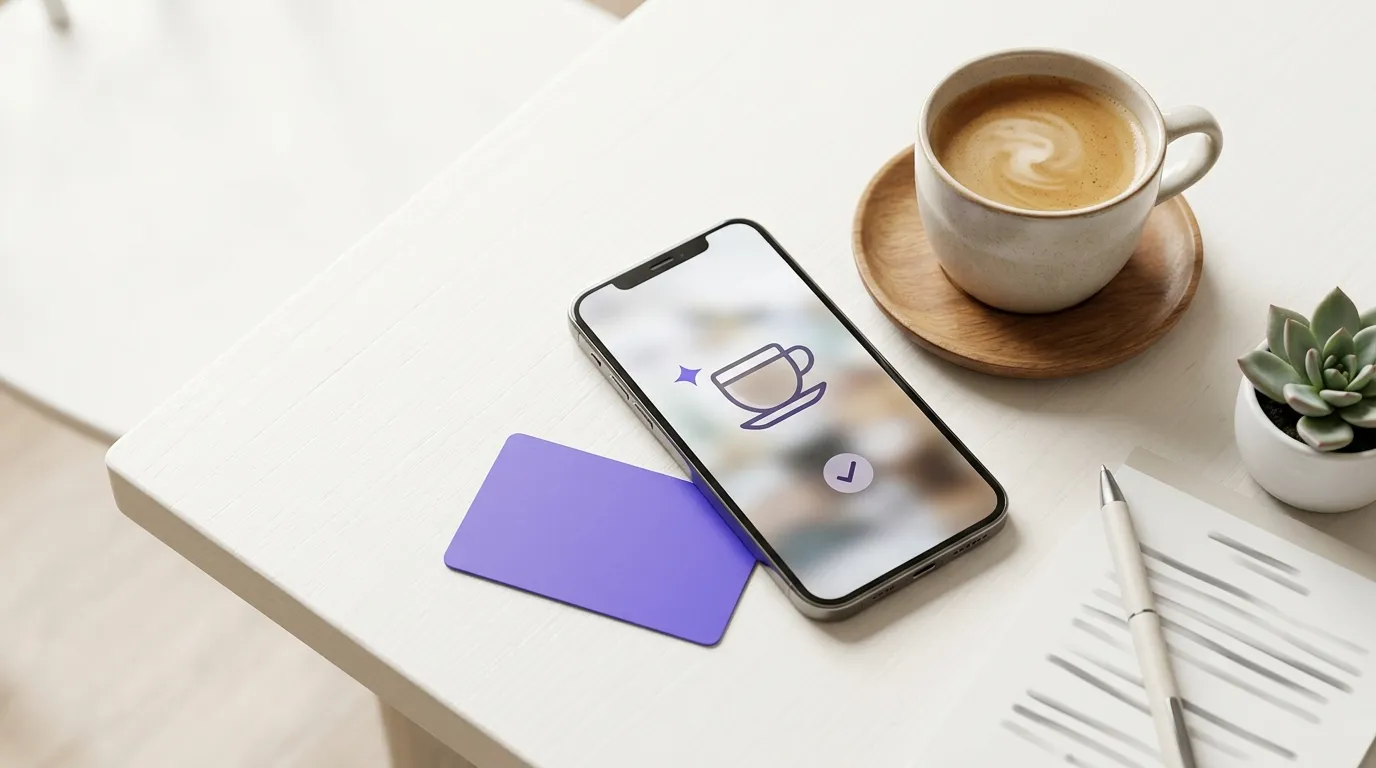 Email List Building
Collect customer emails in a restaurant without sign-up forms
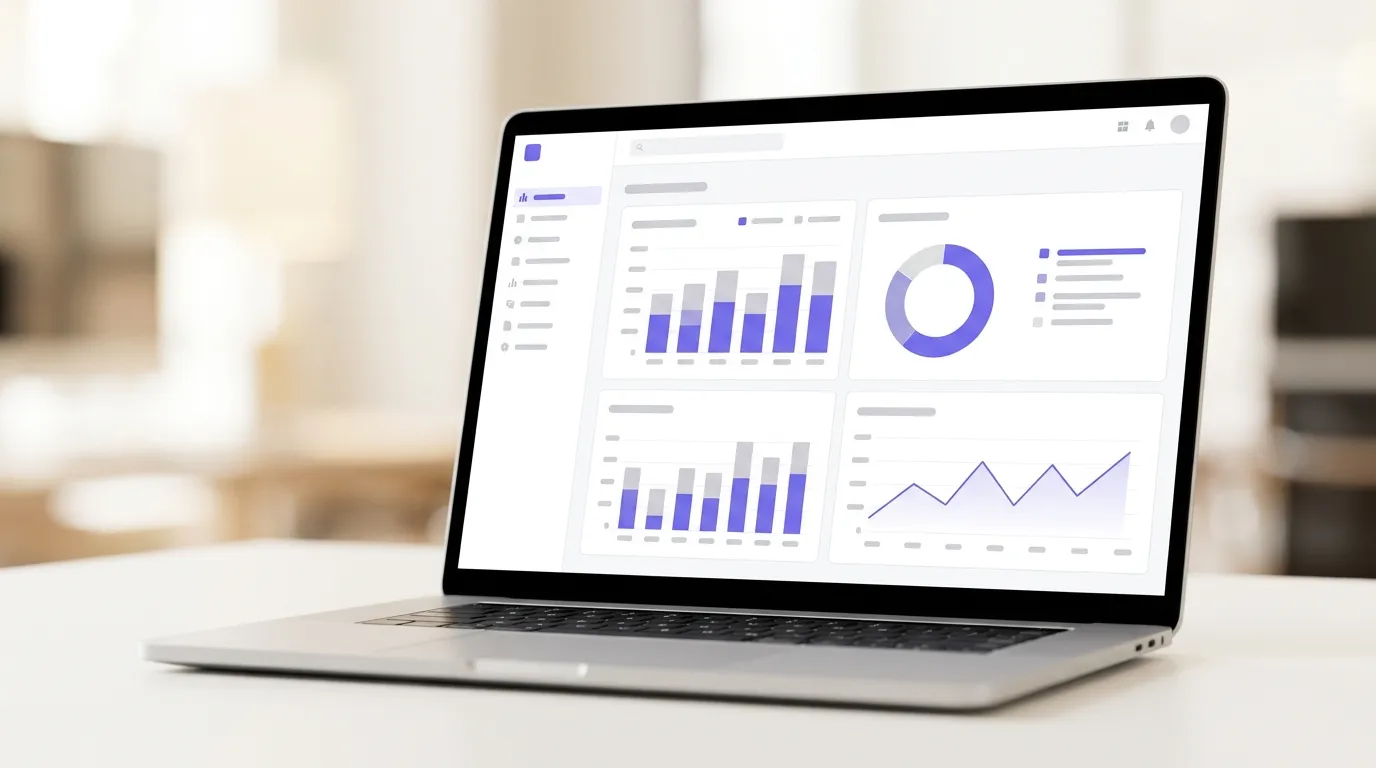 Email List Building
QR codes vs WiFi login for collecting customer emails
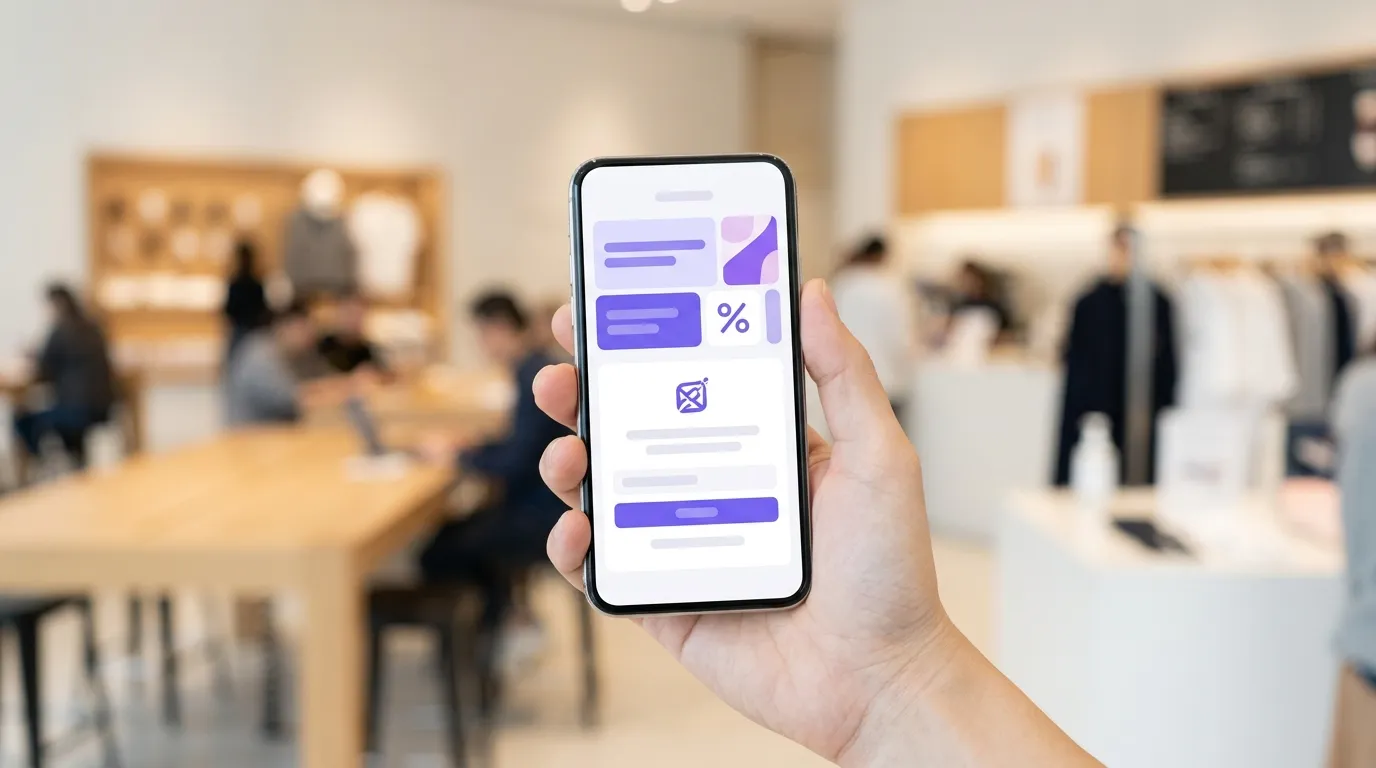 Email List Building
Grow a first-party email list without discounting your margin
This guide shows how physical venues can build a high-quality, GDPR-compliant email list using guest WiFi, eliminating the need for margin-eroding discounts.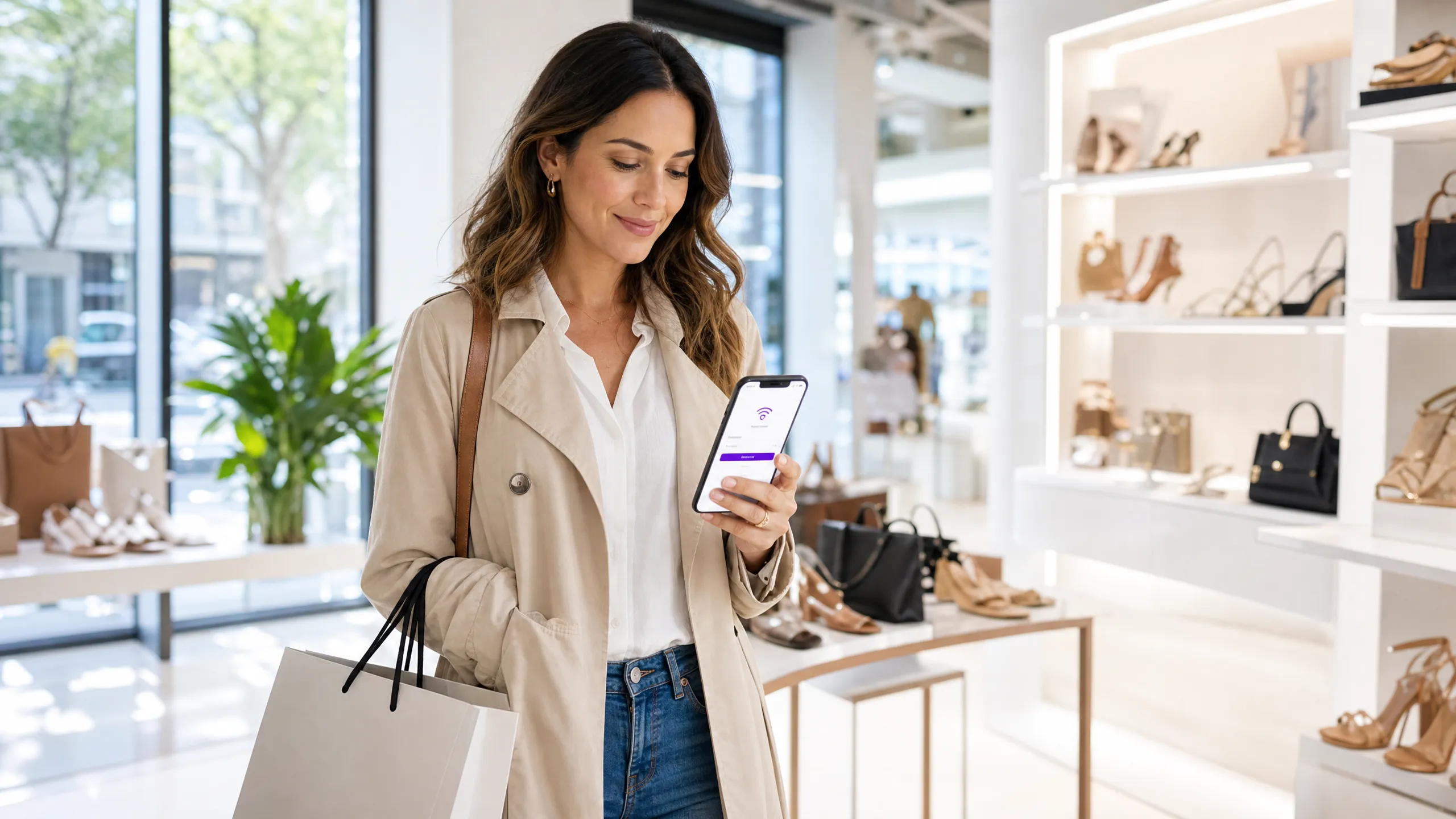 Email List Building
Email capture rate benchmarks for venues
This guide sets out what a healthy email capture rate looks like for physical venues and shows how branded guest WiFi login pages lift it.
Questions
Questions about WiFi email capture
Is logging in to the WiFi the same as agreeing to marketing?
No. Accepting the WiFi terms lets a guest get online; agreeing to marketing is a separate choice they make by ticking a box of their own. Purple Engage counts only that explicit tick as marketing consent.
Do I need Purple WiFi to capture emails with Purple Engage?
No. Sign-ins from Cisco Spaces, Cisco Meraki and Juniper Mist also arrive as guests, and without any WiFi system you can capture through sign-up forms, imports, tills and bookings. A connected WiFi system is what adds a visit history.
Can I make marketing consent a condition of using the WiFi?
Not if you want the consent to count. You can ask for an email address to get online, but keep the marketing box optional, and let a guest who leaves it empty get online anyway. Under UK GDPR, consent that is the price of a service is unlikely to be freely given.
What happens when a guest logs in again?
They stay one guest. A later sign-in with the same email adds a visit at that venue to the record they already have, so you can see who comes back and how often.
Can I add the email list I already have?
Yes. Import it as a CSV, check the preview, confirm you hold consent for it and name the channels that consent covers. Guests who have unsubscribed stay unsubscribed, however many times the same file is imported.
Guide topics
The other four guide topics
Campaigns and automation
Venue email campaigns
Which automations and one-off campaigns bring guests back, and when to send each one.Segmentation and targeting
Customer segmentation
How to group guests by what they do, so each group gets the message that brings it back.Deliverability and compliance
Email compliance
Consent under PECR and UK GDPR, CAN-SPAM for US guests, and keeping your email out of the spam folder.Analytics and ROI
Email marketing ROI
How to measure the visits and revenue your emails cause, not just the opens they get.
By type of venue
- PubsTurn WiFi sign-ins into known guests, with match-day and quiz-night campaigns.
- RestaurantsWin back regulars, fill quiet weekdays and survey diners after each visit.
How Purple Engage compares
Start building your list from the next login
The free plan is listed at 500 credits a month, with unlimited* contacts and no card needed.