
Forms and surveys
Forms and surveys that write back to the guest record
Sign-up forms record exactly what each guest agreed to, always with double opt-in. Surveys put every answer on the guest record, where a segment or an automation can act on it.
How do sign-up forms capture consent I can prove?
Every form is double opt-in: the checkbox is never pre-checked, and only the link in the confirmation email confirms. A published version never changes, so the record names the form, version, website and exact wording seen.
- Inline, popup and floating bar forms with email plus any contact fields, in your brand kit's colors and fonts, flagging pairs that fail the contrast test
- One line of code, about 11 KB compressed and cookie-free, drawing the form in a sealed container your site's styles cannot break
- Popup rules: a delay, exit intent on desktop, scroll depth, page rules, phone or desktop, and how often in days
- Unpublishing or archiving a form keeps its submissions and consent records
- The publish preview lists the websites, tags, automations and webhooks the form will trigger, and blocks a form with no website, privacy link or button text
- An allowed-websites list, a signed one-time token, a hidden trap field and a limit of 30 submissions a minute per form and visitor
- Up to 10 tags, the subscription list the guest joins and a thank-you message, while a suppressed address is refused and nothing is kept
Purple Engage screens shown with sample data for a fictional pub group. Every name and figure is invented.
What can I ask in a survey?
Anything from a one-question score after a visit to a full menu survey. Pick from 16 question types and 36 starters, or build with AI, then publish to a hosted page in your venue's brand.
- 16 question types, including NPS, a rating out of 3 to 10, choice, text, number, date, email, phone and consent
- Questions typed straight onto the canvas, logic that jumps, ends or disqualifies, piping of earlier answers, and versions so each respondent keeps the one they started
- Build with AI: describe the survey and get a first draft to edit
- 36 starters, from feedback after a visit, event or booking to menu and dietary, game day, win-back, a profile top-up and re-permission
- Every question on one page, or one at a time
- A hosted page in your venue's brand, with no Purple badge
- A branded button in an email, a link in SMS or WhatsApp, a generic link, a QR code for a table or receipt, or a kiosk link
- Responses on the guest record, one answer per person, and a close date or response cap
- A guest invited to any survey in the last 30 days is left out of the next send, with the reason shown
What happens to the answers?
They land on the guest record for segments and automations, and in a report you can cut by date, venue, channel, device or segment. An emailed invitation draws a credit; a generic link or QR code does not.
- Map a question to a guest field, keeping the latest answer, the first, or filling a blank
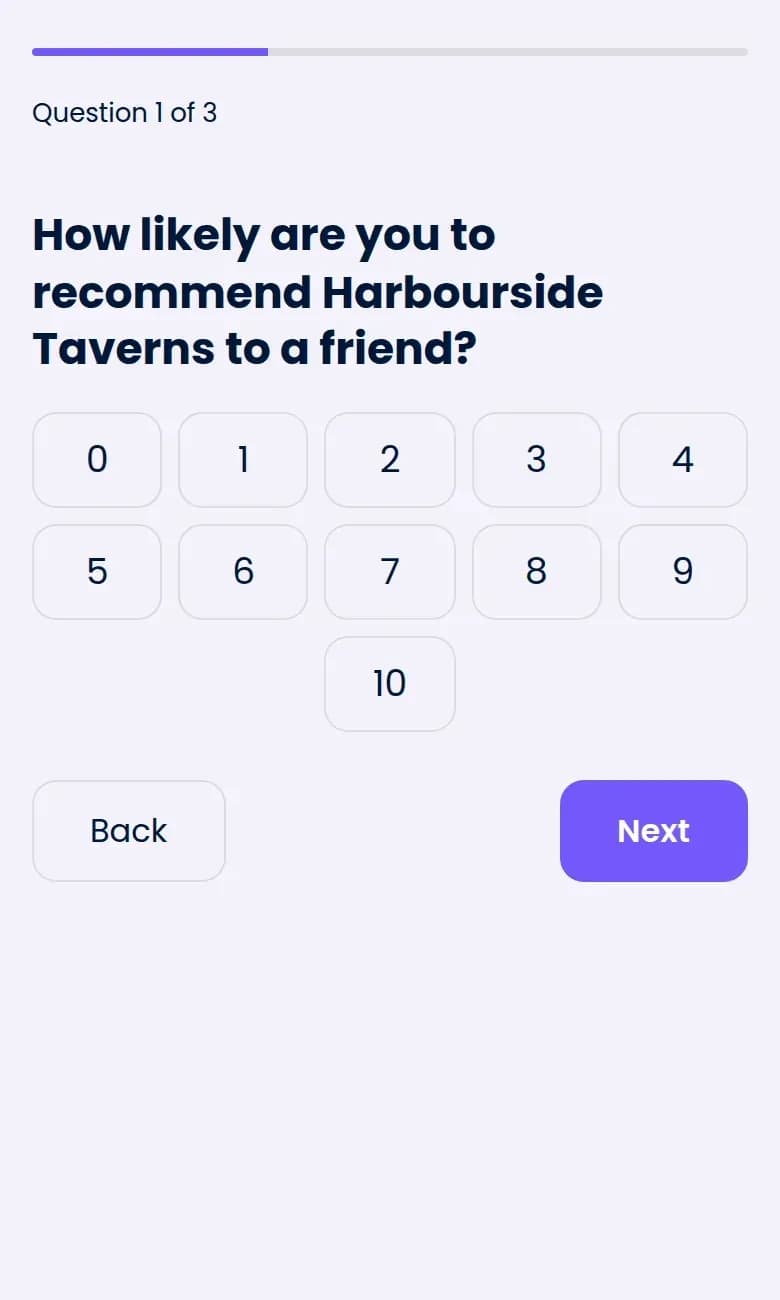
- Every NPS answer sets Promoter, Passive or Detractor on the guest
- Survey conditions in the segment builder, and any cut of the report saved as a segment
- A funnel with drop-off per question, verbatims, CSV export and an NPS panel from -100 to 100 with a weekly trend, blank until there are answers
- A thank-you screen that can link to your review page, or any link you choose, for every respondent, whatever they scored
- Every NPS answer tags the guest, so a low score can start a private follow-up automation, with an optional goodwill offer and never a review link
Purple Engage screens shown with sample data for a fictional pub group. Every name and figure is invented.
Questions
Can someone sign up a stranger?
No. The address gets a confirmation email, and nothing changes until its owner clicks the link in it.
Does a form replace our cookie banner?
No. Engage has no cookie banner and is not a consent platform; it works beside yours. The form sets no cookies, only a browser-storage note that never leaves the device, and a popup waits while your consent window is open.
Can I follow up a detractor automatically?
Yes. Every NPS answer tags the guest as a promoter, passive or detractor, and an automation can start when the detractor tag is added.
Does it need Purple WiFi?
No. Forms and surveys work without it. A survey automation that starts when a guest joins the WiFi, such as the post-visit NPS starter, needs a connected WiFi system.
Ask your guests, then act on what they say
The free plan is listed at 500 credits a month, with unlimited* contacts and no card needed.