
Segmentation and targeting
Customer segmentation for venues: a practical guide
Customer segmentation means dividing your guests into groups that behave alike, so each group gets the message most likely to bring it back. For a venue, the groups that matter come from what guests do: how often they visit, how recently, where, and how much they spend.
What is customer segmentation for a venue?
A segment is a rule, not a list: guests who visited at least three times in the last 90 days, guests who have not been back since the summer, guests who spent above a set amount. Anyone who meets the rule is in; anyone who stops meeting it drops out. Send to the segment and the right people get the message without anyone rebuilding a spreadsheet.
Venues have better data for this than they often think. Every WiFi login is a visit with a date and a place, a POS adds what was spent, a booking system adds reservations and a survey adds what guests said. Together they describe behavior, which says more about what a guest will do next than their age or where they live.
Where that guest data comes from: the WiFi email capture guide
Which behavioral segments matter most?
Start with the six below. Between them they cover the messages most venues send, and each can be built from visits alone, with spend added when a POS is connected.
Be honest about what the data can see. Visits from WiFi count the guests who log in, so they are a lower bound: a regular who never joins the WiFi will look less regular than they are. Purple Engage does not measure dwell time or occupancy, so its segments rest on visits, spend, bookings and answers.
- New guests: one visit so far
- Regulars: several visits in a recent window, such as three in 90 days
- Lapsing regulars: regulars who have been away longer than usual
- High spenders: lifetime spend above a level you set
- Event-goers: guests who visited on previous event days
- Unhappy guests: those who gave a low score in a survey
How do lifecycle segments work?
A lifecycle segment describes where a guest is in their relationship with you, and it changes as they do. Moving from one stage to the next is a signal in itself: a new guest becoming a regular is worth a thank-you, and a regular starting to fade is worth a message before they have gone.
Set each stage up as a segment and let joining or leaving it start an automation. That way the message follows the guest's behavior, not a campaign calendar, and nobody has to remember to send it.
- First visit: welcome them and give them a reason for a second
- Returning: a second or third visit, the point where a habit starts
- Regular: thank them and keep them informed, rather than discounting
- Fading: away longer than usual, the moment for a win-back
- Lapsed: gone for a long time, worth one last try before you stop emailing them
What is RFM segmentation, and is it worth it for a venue?
RFM scores each guest on three things: recency (how long since their last visit), frequency (how often they come) and monetary value (how much they spend). It comes from direct-mail retail, and it holds up because the three together separate your best guests from your occasional ones better than any one of them alone.
For a venue, recency and frequency come from visits, and monetary value comes from the POS. Without POS data you can still segment on recency and frequency, which cover most of what matters: a guest who visits every week but spends little is still worth keeping.
You do not need a scoring model to start. Three rules give you a usable version: not visited in the last 30 days, visited at least three times in the last 180 days, and lifetime spend above an amount that fits your venue. Combine them and your lapsing high-value regulars are one segment.
- Recency: days since the last visit
- Frequency: visits in a rolling window
- Monetary value: lifetime spend from the POS
How do you segment across several venues?
Treat each guest as one person with a history at each venue. That lets you find a guest's home venue, spot the guests who visit more than one site, and send a campaign to the guests of the venues it is for, rather than to the whole group.
Time matters across a group too. If your venues sit in different time zones, a send at 10:00 should mean 10:00 where each guest last visited. And when an offer is for some venues only, target it there and cap it per venue, so one busy site cannot use up the whole budget.
- Home venue: where a guest visits most
- Group regulars: guests who visit more than one site
- Local time: each guest's time zone taken from the venue they last visited
- Venue offers: targeted at chosen venues and capped per venue
How big should a segment be?
Big enough to learn from. To know whether a campaign worked you need a group held back from it, and a held-back group of a handful of guests tells you nothing. In Purple Engage a campaign result needs at least 50 guests held back, which is 5% of a segment of 1,000.
Count the guests you can reach, too. A segment of 5,000 in which 1,200 agreed to email is an email audience of 1,200. Before you split a segment into smaller ones, check that each part is still big enough to send to and to measure.
- Big enough to hold some guests back and still read the result
- Counted after consent and suppression, not before
- Combined rather than split when the parts get too small to measure
How a held-back group shows what a campaign caused: the email marketing ROI guide
Can you segment on what guests will do next?
Yes, with care. Once a guest has a history of repeat visits, their usual gap between visits says when they are next likely to come in and how likely they are to lapse. Segments on predicted churn risk or predicted value let you act before a regular has gone, rather than after.
Treat predictions as predictions. Label them as such, check how well they would have done on your own past data before relying on them, and leave out guests who have objected to profiling.
- Predicted churn risk, from each guest's usual gap between visits
- Predicted next visit
- Predicted 12-month value: expected visits times typical spend
- A backtest on your own data before you rely on any of them
How Purple Engage does it
Segmentation in Purple Engage
Segments in Purple Engage are rules on one guest record that combines WiFi, POS, booking and survey data, and they keep themselves up to date.
Segment on what you know
Fields, tags, visits, lifetime spend, survey answers and NPS band, and source: WiFi, import, form, API or connector.Segment on what guests did
Did something at least, at most or exactly a set number of times, over a rolling window of 1 to 3,650 days, at chosen venues; or has never done it.Up to date within a minute
Membership is re-checked within about a minute of a guest acting, and joining or leaving a segment can start an automation.Engagement stars
A 1 to 5 star rating for each guest, from Champion to Dormant, built only from human, positive signals, with the working shown.Predictions with a backtest
Predicted churn risk, next visit and 12-month value, each labeled as predicted, leaving out guests who object to profiling.Reach you can see
Each segment shows its members, how many can be emailed and how many can be texted, with consent and suppression applied.
Guides
Guides on customer segmentation
The first guides on customer segmentation are being written. Until they are published, these guides from the library cover related ground.
Related guides from the library
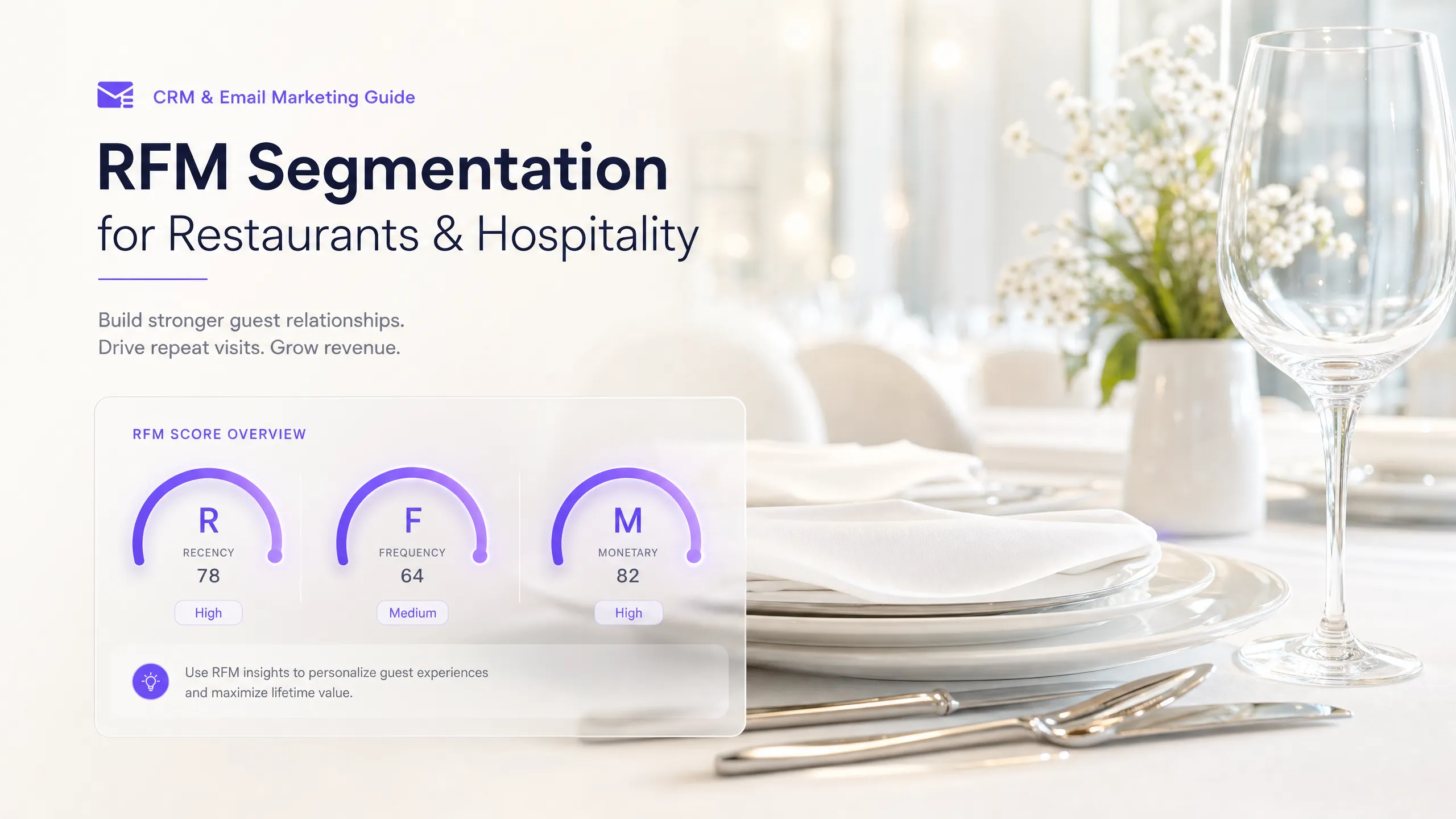 Segmentation
RFM segmentation for restaurants and hospitality
 Segmentation
Segmenting email by location for multi-site venues
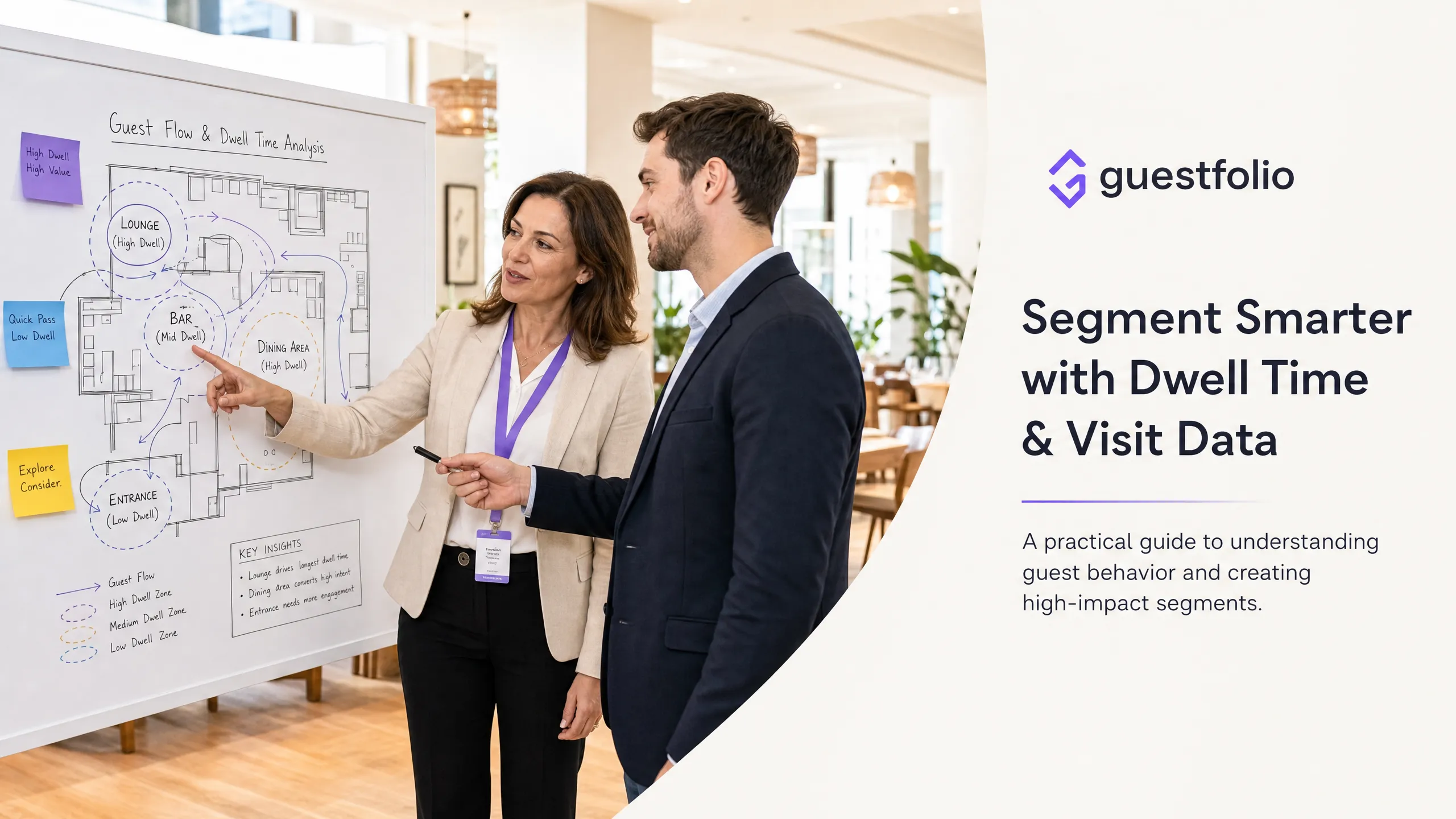 Segmentation
Using dwell time and visit data to segment venue guests
This guide shows marketing directors and CRM managers how to build behavioral segments from dwell time and visit frequency data captured through guest WiFi. Segmentation
First-time vs. regular guests: tailoring email by customer type
This guide explains why first-time guests and returning regulars require fundamentally different email messaging to drive repeat visits.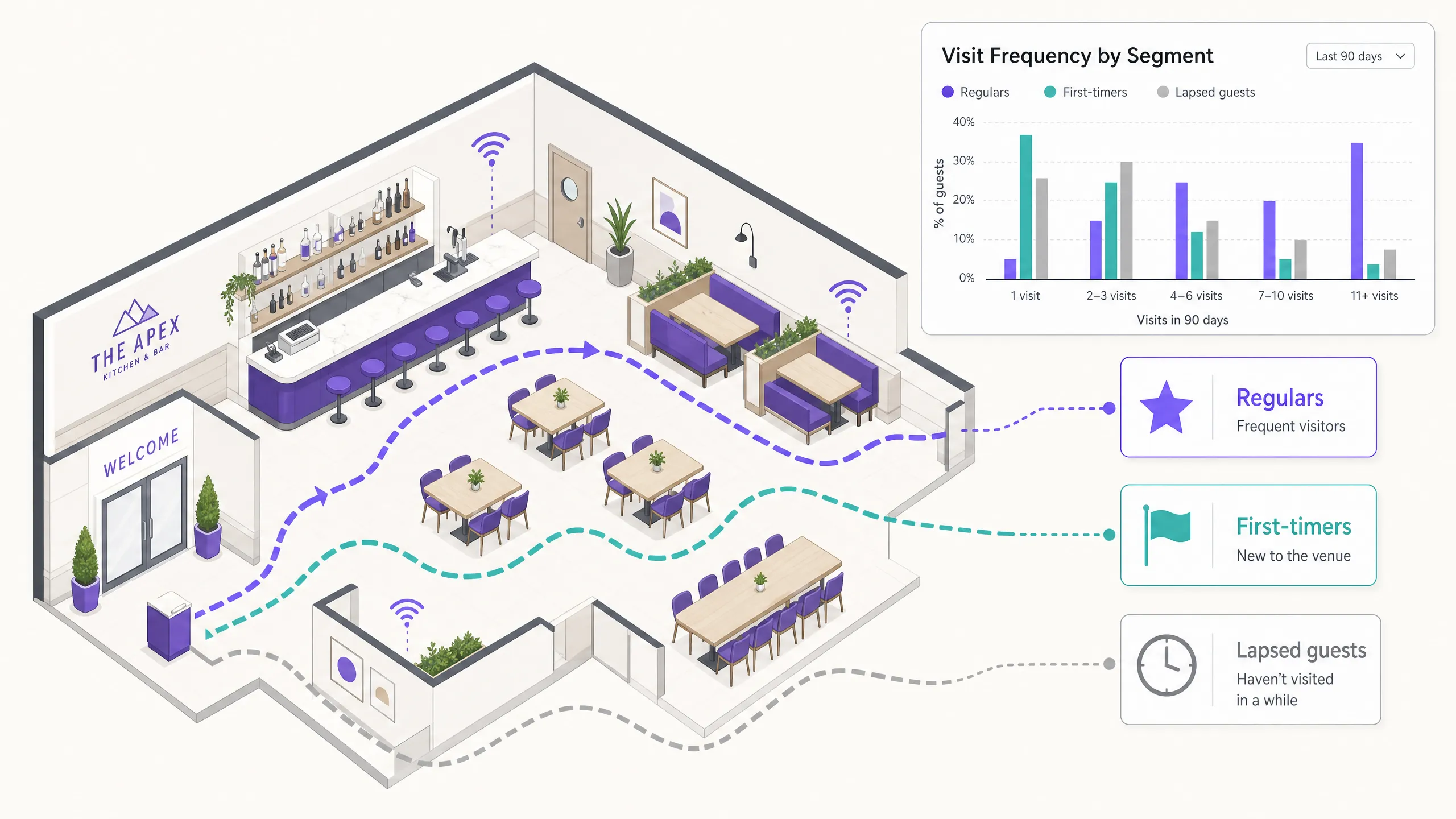 Segmentation
Segmenting guests by visit frequency: how to reward your best customers
This guide explains how to segment physical venue guests based on visit frequency using WiFi login data.
Questions
Questions about customer segmentation
What is the difference between a segment and a list?
A list is a fixed set of people you put together once. A segment is a rule that is checked again whenever a guest acts, so guests join and leave it on their own and every send reaches whoever meets the rule that day.
Can I target guests who have never done something?
Yes. "Has never redeemed an offer" or "has never booked" is a single rule in Purple Engage, and it combines with everything else, such as regulars who have never booked online.
Can I segment guests on how long they stay?
Not in Purple Engage. It does not measure dwell time or occupancy: visits come from WiFi sign-ins, one per session, so segments rest on how often and how recently guests visit, what they spend and what they tell you.
Do I need POS data to segment guests?
No. Visits from WiFi are enough for recency, frequency and lifecycle segments. POS data adds spend, which you need for high-spender and value segments.
Can I use a segment outside email?
Yes. The same segment can drive texts, offers and automations, load into Mailchimp as an audience, be read through the API and, with Engage Ads (a pilot Purple sets up with you), become a Facebook and Instagram audience of the guests whose consent allows it.
Guide topics
The other four guide topics
List building and data capture
WiFi email capture
How to turn guest WiFi logins into a consented email list, and what to ask guests for.Campaigns and automation
Venue email campaigns
Which automations and one-off campaigns bring guests back, and when to send each one.Deliverability and compliance
Email compliance
Consent and opt-outs under CAN-SPAM, the UK rules for guests there, and keeping your email out of the spam folder.Analytics and ROI
Email marketing ROI
How to measure the visits and revenue your emails cause, not just the opens they get.
By type of venue
- Multi-site groupsOffers, caps and reporting for each venue across a group.
- HotelsStays from Mews and apaleo, and automations that start at checkout.
How Purple Engage compares
Find your lapsing regulars this week
The free plan is listed at 500 credits a month, with unlimited* contacts and no card needed.