Campaigns and automation

Venue email campaigns: what to send and when

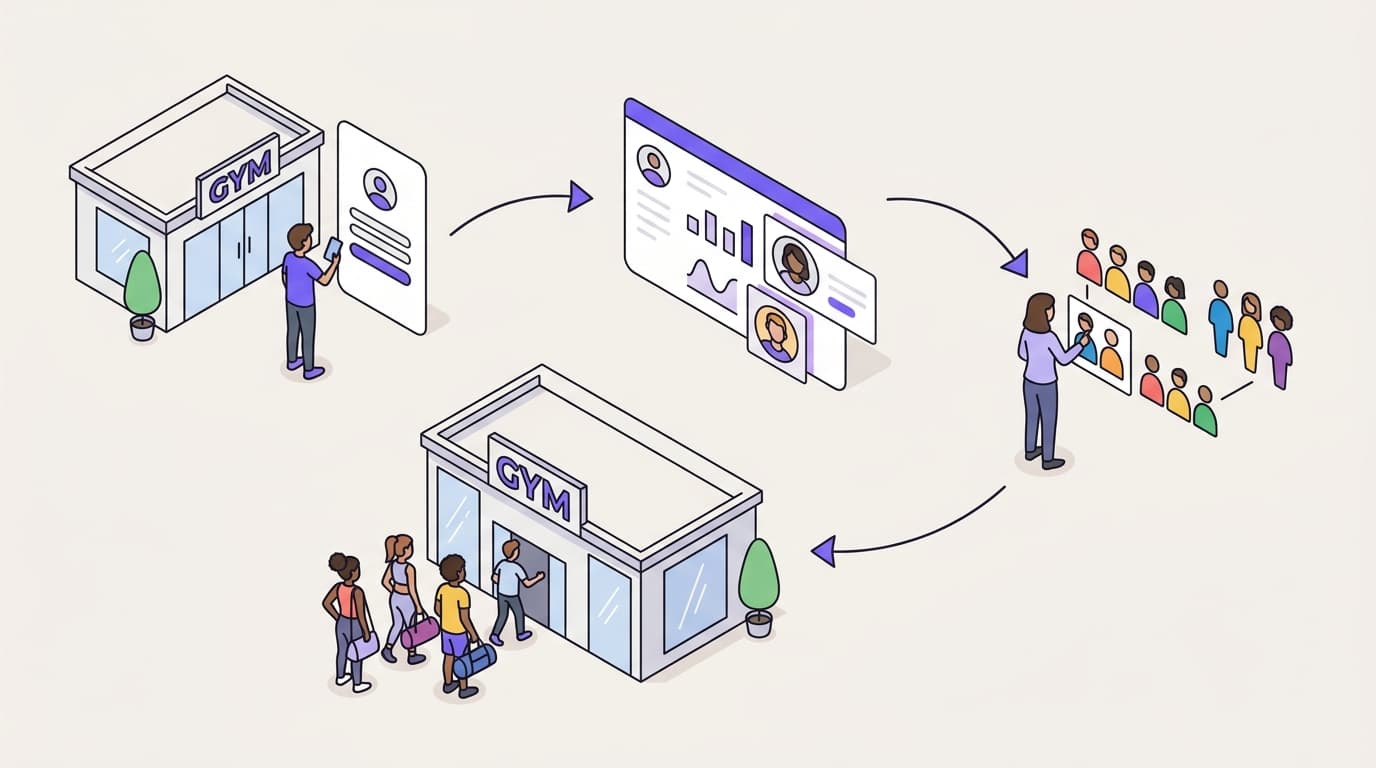
A venue email campaign is any message that gives a guest a reason to come back: a newsletter, an event announcement, or an automation that runs every time a guest does something. The campaigns that pay their way are timed to a real visit, not to the marketing calendar.

Guides on this topicQuestions

How is email for a venue different from email for an online shop?

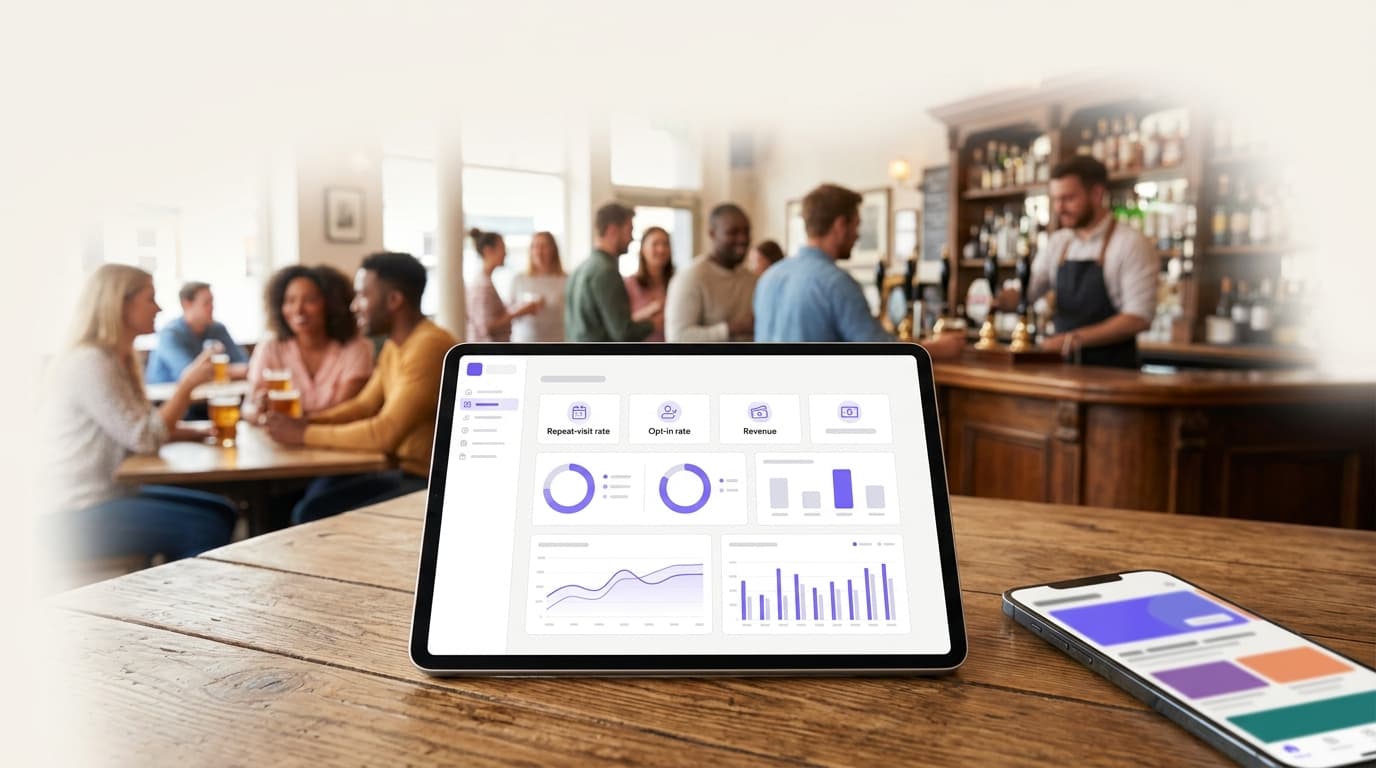
The result happens somewhere your email tool cannot see. An online shop's email ends in a click and an order on the same website. A venue's email ends in a visit, a booking or a sale on your POS, often days later, so opens and clicks only tell you half the story.

What a venue does have is the visit itself. A WiFi login, a purchase, a booking or a hotel checkout is a moment you know about, and each one can start a message. Build your campaigns around those moments first and the calendar second.

Which automations should every venue run?

Six cover most of what a venue needs. Once set up they run on their own, and each answers the question a guest has at that point: what is this place like, was my visit good, why come back, and do they remember me.

If you start with two, start with the welcome and the win-back. The welcome reaches every new guest while the visit is fresh, and the win-back reaches regulars before a habit of coming in turns into a habit of going elsewhere.

  1. Welcome: after a guest's first WiFi login, what is on and how to book
  2. Feedback: the day after a visit, a short survey or a request for a review
  3. Second visit: a nudge to new guests who have not been back
  4. Birthday: a message in the week of the guest's birthday, if you asked for it
  5. Win-back: when a regular stops coming in for longer than usual
  6. After a stay: for hotels, a thank-you and a reason to book direct next time

Building the segments these automations run on: the customer segmentation guide

When should each message go?

As close as possible to the moment that prompted it. A welcome that arrives a week after the first visit is a newsletter; one that arrives the same day is a welcome. Feedback is most useful the day after, while the guest still remembers the visit.

Win-backs are the exception: time them to each guest's own rhythm rather than a fixed number of days. A guest who comes in every week is overdue after three weeks; one who comes twice a year is not. And send in the guest's own time zone, at an hour they read email, rather than whenever the campaign happens to be finished.

  • Welcome: the same day as the first login
  • Feedback: the next day
  • Win-back: when a guest has been away longer than their usual gap between visits
  • Every send: at a set hour in each guest's local time

How do you plan seasonal and event campaigns?

Pick the guests most likely to come, rather than the whole list. For live sports, that is the guests who visited on previous game days; for a new menu, the regulars at that venue; for holiday bookings, last year's December bookers. A smaller, better-chosen audience sends less and annoys fewer people.

Then plan the sequence before the first send. Most events need three messages at most: an announcement with enough notice to plan, a reminder close to the date, and a last call for anyone who has not booked. Give each a different job, so the second and third are not the first one again.

  1. Announcement: what, when and how to book, with time to plan
  2. Reminder: a few days before, to guests who showed interest but have not booked
  3. Last call: on the day, by text if it is time-sensitive and the guest agreed to texts

Email, text or both?

Use email for anything a guest will want to read: menus, events, opening hours, a story about your suppliers. Use texts for what is short and urgent: a table free tonight, a reminder an hour before a booking. Texts cost more per message and interrupt more, so they earn their place by being timely.

Consent is separate for each channel. A guest who agreed to email has not agreed to texts or WhatsApp, so ask for each, record each and check each before you send. A guest who opts out of texts should still get the emails they asked for.

  • Email: content worth reading, sent at the hour a guest usually reads
  • Texts: short and time-sensitive, within the hours guests expect them
  • WhatsApp: conversations and reminders, with consent of its own

What should a venue email say?

One thing, clearly. Each email needs one reason to come back and one action: book a table, see what is on, claim an offer. A newsletter with eight stories gives a guest eight reasons to read and no reason to act.

Use offers when they earn their place, not by habit. An offer every guest gets every month becomes the price, so keep offers for win-backs, quiet days and new guests, give each guest a single-use code and cap what an offer can cost. Then test what you change, one thing at a time, and call a winner only when the difference is unlikely to be chance.

  • One reason to come back, and one action
  • Something new: a menu, an event, an opening, a change
  • Offers for win-backs, quiet days and new guests, with single-use codes and a cap
  • A/B tests on the subject line, the sender or the whole email

Proving which campaigns brought guests back: the email marketing ROI guide
How do you avoid sending too much?

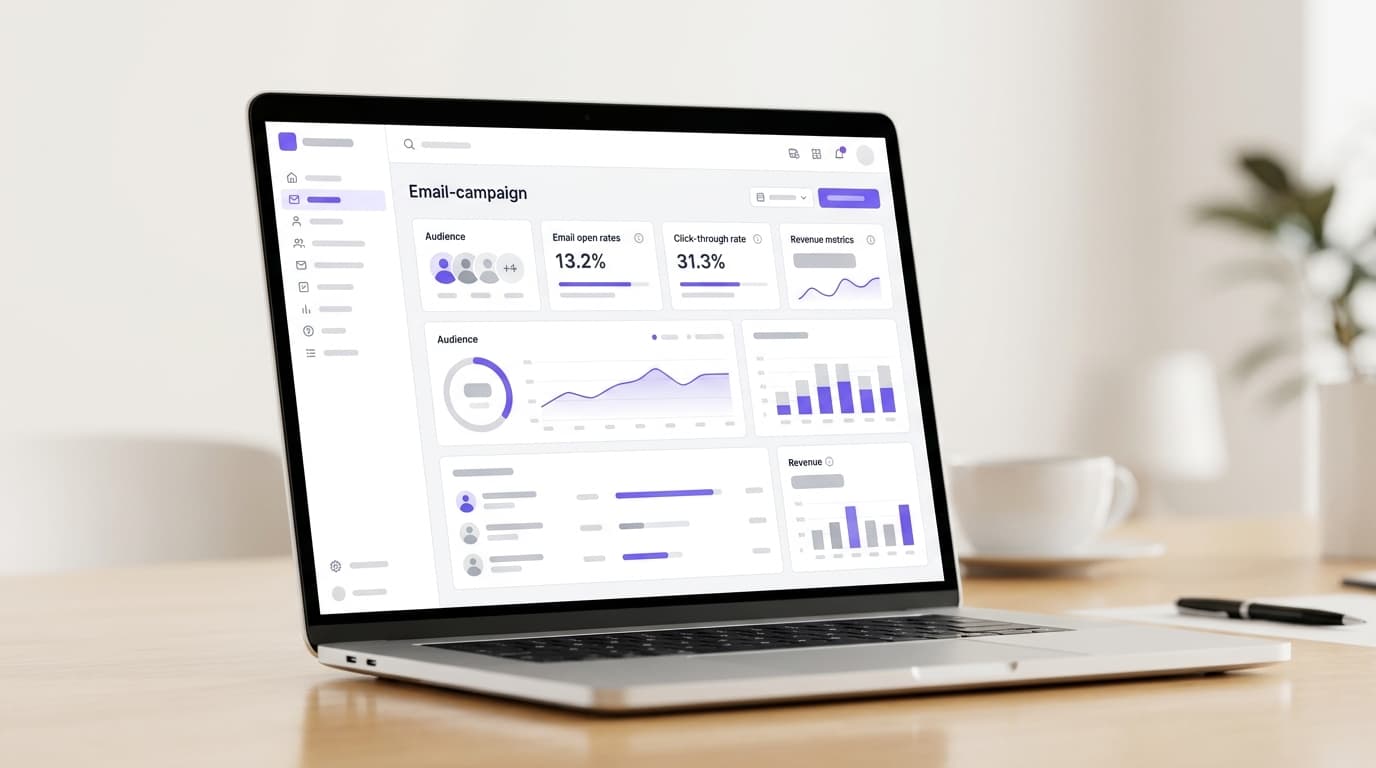
Count every message a guest gets, across every channel, not campaign by campaign. Three campaigns and two automations can land five messages in one guest's week without anyone deciding that they should. Set a limit per guest, let guests choose how often they hear from you, and give them a way to take a break instead of leaving altogether.

Watch for automations sending by accident too. Connecting a booking system or a POS with years of history should not send years of thank-you emails, and two automations that can start each other should be caught before they go live.

  • A frequency limit per guest, counted across email, texts and WhatsApp together
  • A preference page where guests can choose topics or pause marketing
  • Old activity from a new connection that starts no automations
  • Checks for automations that could set each other off

How Purple Engage does it

Campaigns and automations in Purple Engage

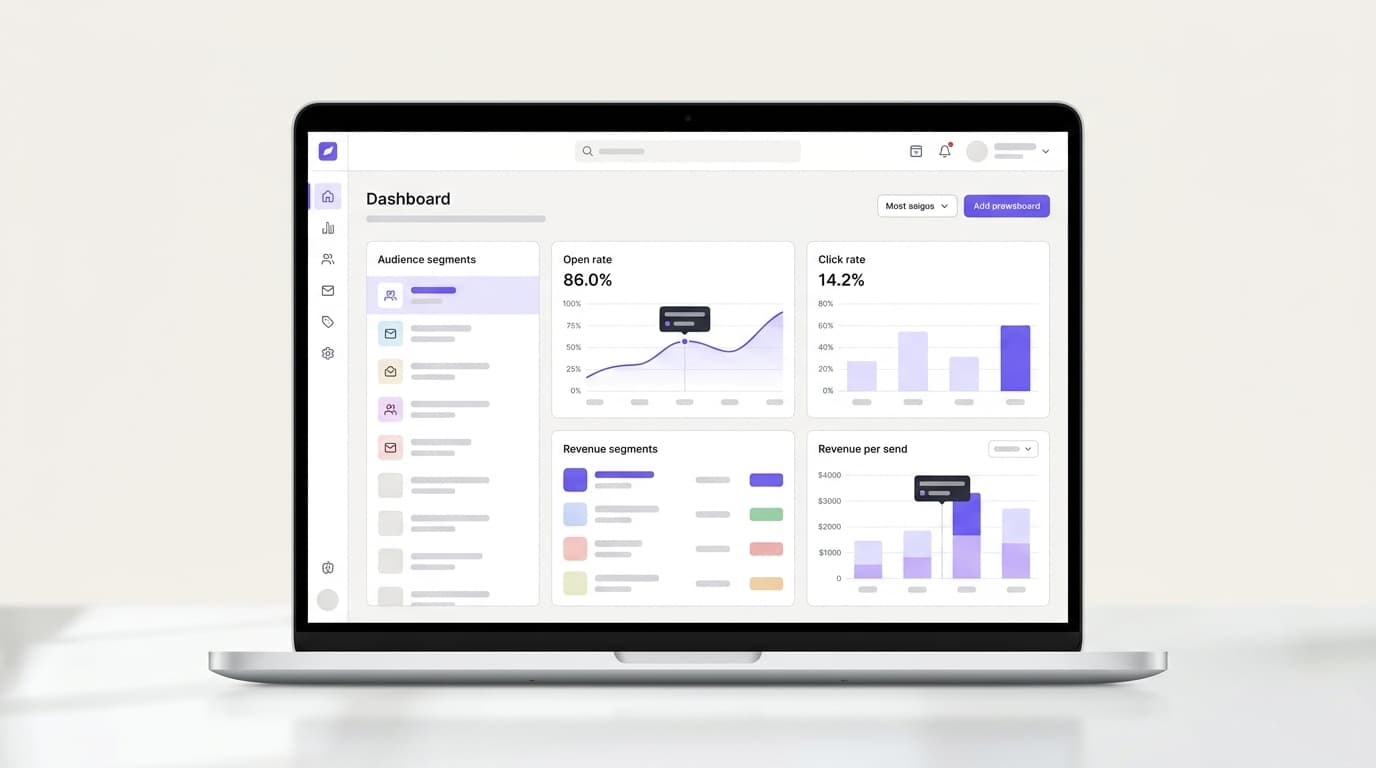
Automations start from what guests do in your venues, and campaigns go to segments that keep themselves up to date, with the same consent checks on every message.

  • 36 ways to start

    An automation can start when a guest joins the WiFi, buys, books, checks out of a stay, redeems an offer, submits a form or joins a segment, or on a birthday or anniversary.
  • Waits for the next move

    Wait up to 90 days for a visit, a purchase, a booking, an open or a click, with a path for each outcome and up to 10 exit goals that stop the automation early.
  • Old activity starts nothing

    Activity older than 24 hours never starts an automation, so connecting a POS with two years of orders does not send two years of thank-you emails.
  • Safe edits to live automations

    Every activation is a numbered version. Guests already inside finish on the version they joined, and a review screen shows what changed before you publish.
  • Each guest's own hour

    Send at a set local time in every guest's time zone, or let best-hour sending pick the hour each guest usually opens or clicks.
  • Nothing sends without a yes

    Ask the AI chat for a win-back and get a plan that shows who it reaches. By default, nothing reaches a guest until a person approves it.

Guides

Guides on venue email campaigns

The first guides on venue email campaigns are being written. Until they are published, these guides from the library cover related ground.

Browse all marketing guides

Questions

Questions about venue email campaigns

What is the first automation a venue should set up?

A welcome after a guest's first WiFi login. It reaches every new guest while the visit is fresh, it needs nothing but the login to start, and it gives you a baseline for every automation you add after it.

How often should a venue email its guests?

No number suits every venue, so let guests decide and watch what they tell you. Offer a choice of frequency on your preference page, cap messages per guest across every channel, and treat a rise in unsubscribes or spam complaints after a send as a sign you went too far.

Can automations use booking and POS data?

Yes, in Purple Engage. A purchase from Square, Lightspeed X-Series, Epos Now, Loyverse or Oracle Simphony can start one, with an optional venue and minimum spend, and so can a booking from ResDiary or a hotel stay from Mews or apaleo.

Should every email include an offer?

No. An offer in every email becomes the price guests expect to pay. Keep offers for moments where they change behavior, such as winning back a lapsed regular or filling a quiet afternoon, and use single-use codes with a cap so one offer cannot cost more than you planned.

How do I know whether a campaign worked?

Hold some guests back. Compare the guests who were sent the campaign with a similar group who were not: the difference in return visits is what the campaign caused. The email marketing ROI guide explains how.

Guide topics

The other four guide topics

  • List building and data capture

    WiFi email capture

    How to turn guest WiFi logins into a consented email list, and what to ask guests for.
  • Segmentation and targeting

    Customer segmentation

    How to group guests by what they do, so each group gets the message that brings it back.
  • Deliverability and compliance

    Email compliance

    Consent and opt-outs under CAN-SPAM, the UK rules for guests there, and keeping your email out of the spam folder.
  • Analytics and ROI

    Email marketing ROI

    How to measure the visits and revenue your emails cause, not just the opens they get.

By type of venue

How Purple Engage compares

Set up your welcome and win-back this week

The free plan is listed at 500 credits a month, with unlimited* contacts and no card needed.